Build an NPC by hand, with an AI assist
Write a full NPC — who they are, what they carry, their stat block and secrets — and let AI fill in the details for the game you're running.
Game MastersUpdated October 11, 2026
- ~5 min
- New to it
- Part 1 of 2
- Up to 1 AI credit
The NPC Vault keeps the people you invent — shopkeepers, rivals, villains — on your account, so one you make for this table is there for the next. This part builds one by hand; part 2 has one made for you.
Before you start
- Nothing for a hand-made NPC. Making NPCs is free and there is no limit.
- 1 AI credit each time you press ✨ Generate for this game; see AI credits.
Build the NPC
Open the NPC Vault
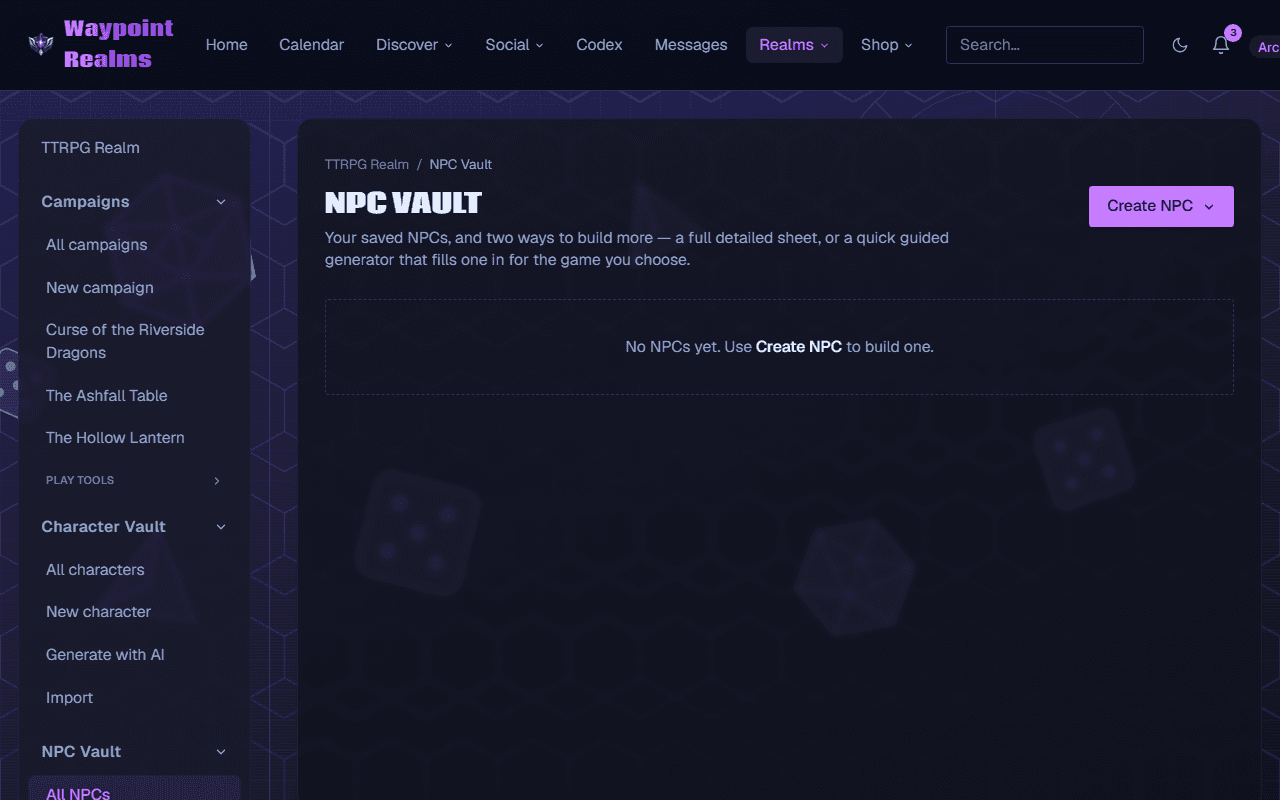
In the TTRPG Realm's rail, open NPC Vault and choose All NPCs.Start a new NPC
Press Create NPC and choose Create NPC — Build one by hand, full detail.Pick the game
Choose the game in Game / system. It labels the NPC and tells the AI assist which game to write for.Steer the AI assist (optional)
To have AI write the NPC, put what you already know in Kind (ally, villain…) and Notes — a dwarf smith who owes the thieves' guild — then press ✨ Generate for this game. It reads Generating…, then fills in a name, race, gender, age, physical description, personality and items for that game. Press it again for another take.Fill in or adjust who they are
Under NPC details, write or rewrite Name, CR / Level / PL, Race / species, Gender, Age, Physical description and Personality. Only the name is required.Add what they carry
Under Items of relevance, press + Add item for each thing that matters to the story: the Item and Why it matters.Add a stat block and secrets
Paste or write a stat block in any format — homebrew is fine — and keep hooks and secrets in Notes.Save
Press Save NPC.
Check it worked
You're back in the vault, and the NPC's card shows its name with badges for its game, kind and challenge. Edit on the card reopens it; Remove deletes it after asking.
Generate replaces what you typed
✨ Generate for this game writes over the name, race, gender, age, description, personality and items. It keeps your kind, challenge, stat block and notes. So generate first, then edit — not the other way round.
Members under 18
The AI assist keeps what it writes suitable for younger players when the account belongs to someone under 18.
If something's off
- Save NPC won't press
- Give the NPC a Name first.
- “You're out of AI credits…”
- The assist stops until your allowance renews or you top up. Everything you typed is still there; finish by hand and save.
- “Couldn't write a safe NPC — try again.”
- What came back didn't pass our safety check. Press ✨ Generate for this game again, or change your notes.
Still stuck? Browse all help or contact us. To report someone or something, use the report action on the relevant profile, post, or session — it sends us the context automatically.