Circles explained
Join communities to chat, post in forums, and run group games — and how to start your own.
MembersUpdated August 18, 2026
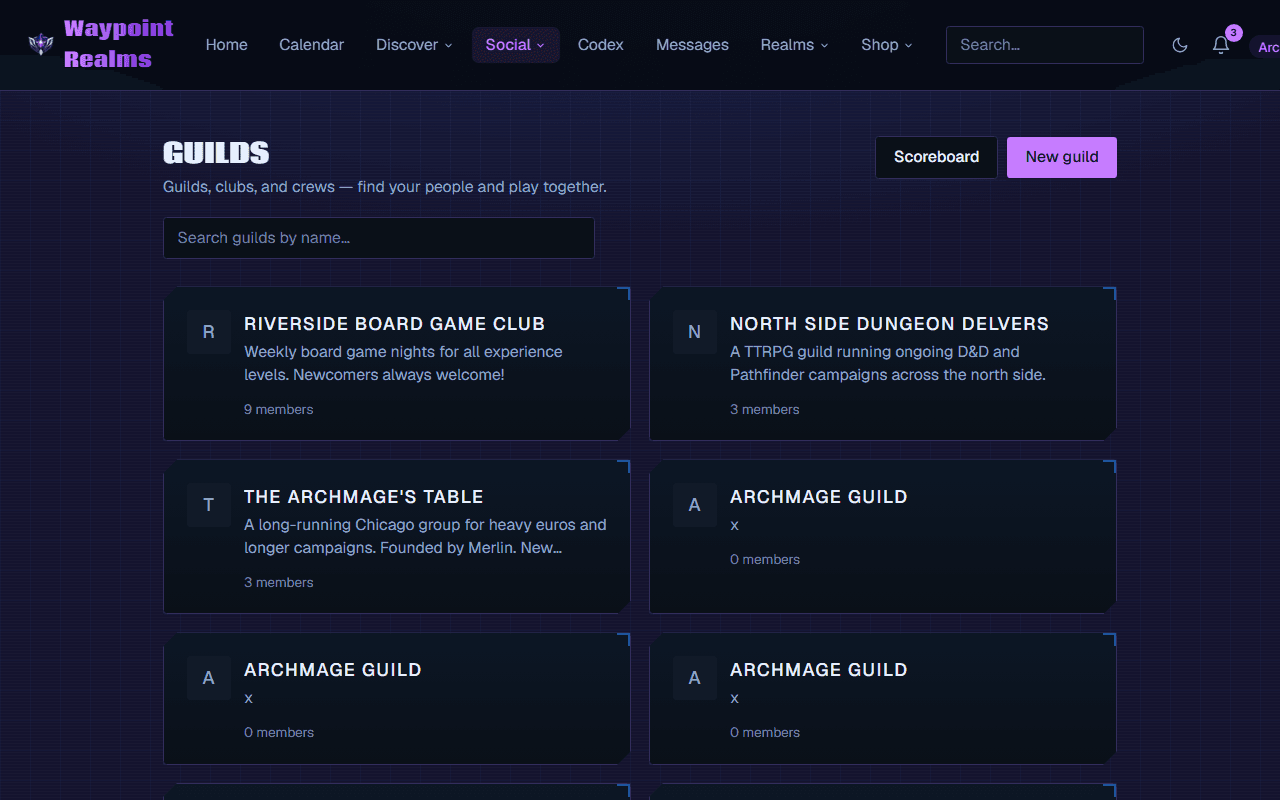
Circles are communities on Waypoint Realms — a game store's regulars, a campaign group, or a city's board-game crowd. Each circle has a forum, a group chat, and its own sessions.
Joining a circle
- Public circles are listed under Circles — open and join.
- Private circles are invite-only. Redeem an invite code to join.
What you get inside
- Forums — start threads and reply (members only).
- Group chat — a channel for the whole circle.
- Circle sessions — games organized within the community.
- Tournaments & achievements for circles that run them.
Starting your own circle
Creating a circle makes you its Circle Lead. This is a Master feature — joining circles is always free, but leading one requires the Master plan. See membership plans.
Note
Circle membership is managed per circle — leaving a circle removes your access to its forum and chat.
Still stuck? Browse all help or contact us. To report someone or something, use the report action on the relevant profile, post, or session — it sends us the context automatically.