Listing yourself as a paid Game Master
Apply to run games for money: what we ask for, how approval works, what you keep, and how you get paid.
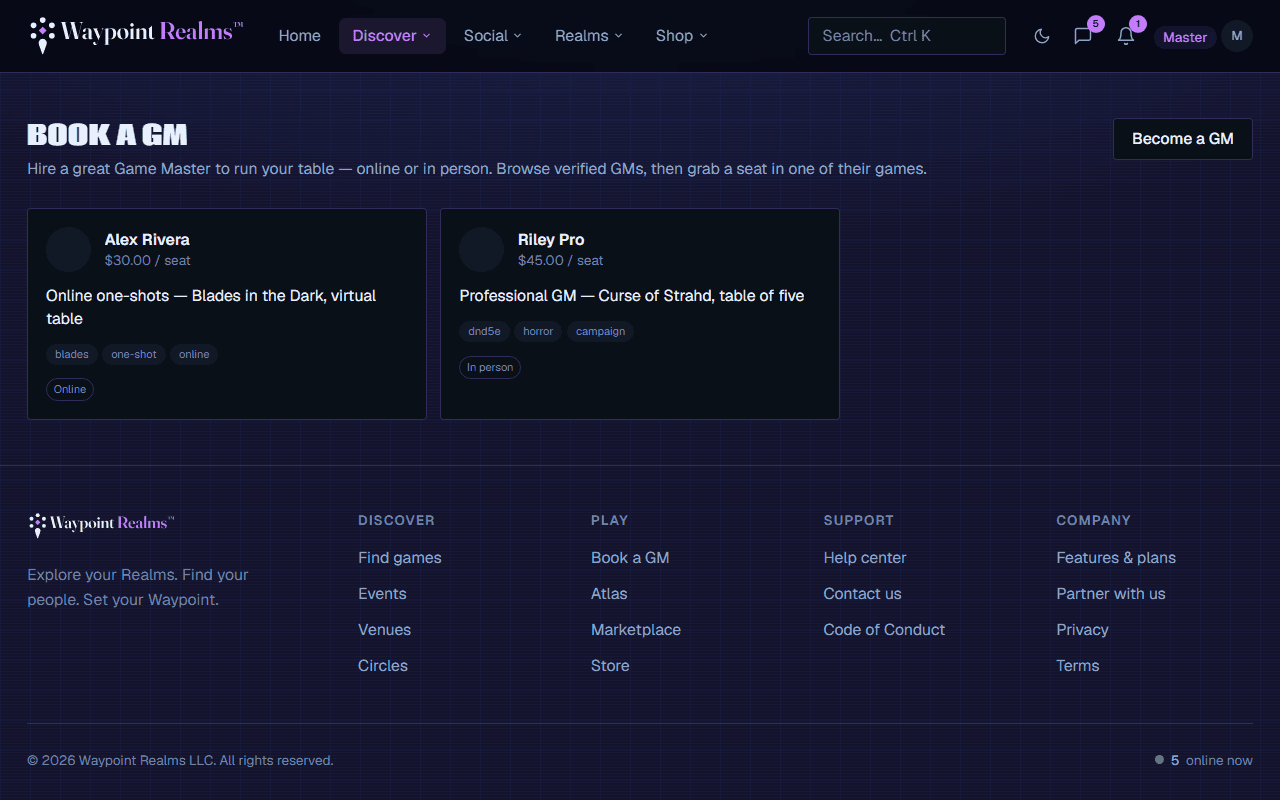
If you run good games, you can list yourself at Game Masters and charge for them. There is no membership requirement and no monthly cost — you apply, we review, and then you are bookable.
Applying
Write the listing
Apply asks what you run, your format (online, in person, or both), your usual rate, a description, and your terms: session length, group size, what's included and your cancellation window. Be specific: “Curse of Strahd for 4–5 players, in person, Thursdays” gets booked; “any system, any time” does not.Set up payouts
Stripe onboarding, the same as marketplace selling. Stripe holds your identity and bank details, not us.Wait for review
A person reads every listing before it goes live. This is not a formality — it is why groups trust the list at all.
What we look for
- A description that tells a group what a session with you is actually like.
- A rate that matches the format and length, stated plainly.
- Your terms. A listing can't be submitted without a session length, group size and cancellation window. Any reasonable ones; just say them.
- An account in good standing — no active moderation actions.
- No payment apps or “pay me directly” wording. Members book and pay on Waypoint, and a listing that says otherwise is refused when you save it.
What members see before they book
Your card and profile show your price beside your terms. The price is taken from your scheduled games when you have any (“From $20 / seat”), because that is what a member actually pays; with nothing scheduled, it is your usual rate. Each new game you schedule starts from your terms, and you can change them for that game. What's on the game's own page is what a player agrees to.
Members can ask you a question from your profile. Only you see it, and your price and terms sit at the top of the conversation. If your listing is paused, those conversations become read-only.
What you keep
Running a paid game
- Turn up. A GM who cancels late, twice, will not stay listed.
- Be clear about what is included before they pay — session zero, character creation, a campaign or a one-shot.
- Everything in the code of conduct applies, and applies harder because they paid you.
- If a group includes minors, the same safety rules apply as to any session — see age and safety.
Reviews
Only people who booked you can review you, and you cannot remove one. You can reply once, on your GM page. A single bad review with a calm reply reads far better than a listing with no reviews at all. The full review rules say when a review can come down — never for being negative.
Still stuck? Browse all help or contact us. To report someone or something, use the report action on the relevant profile, post, or session — it sends us the context automatically.