Buying and trading with other members
The member marketplace: buy a game from someone local, make an offer, or trade items — with the money held until you confirm the item arrived.
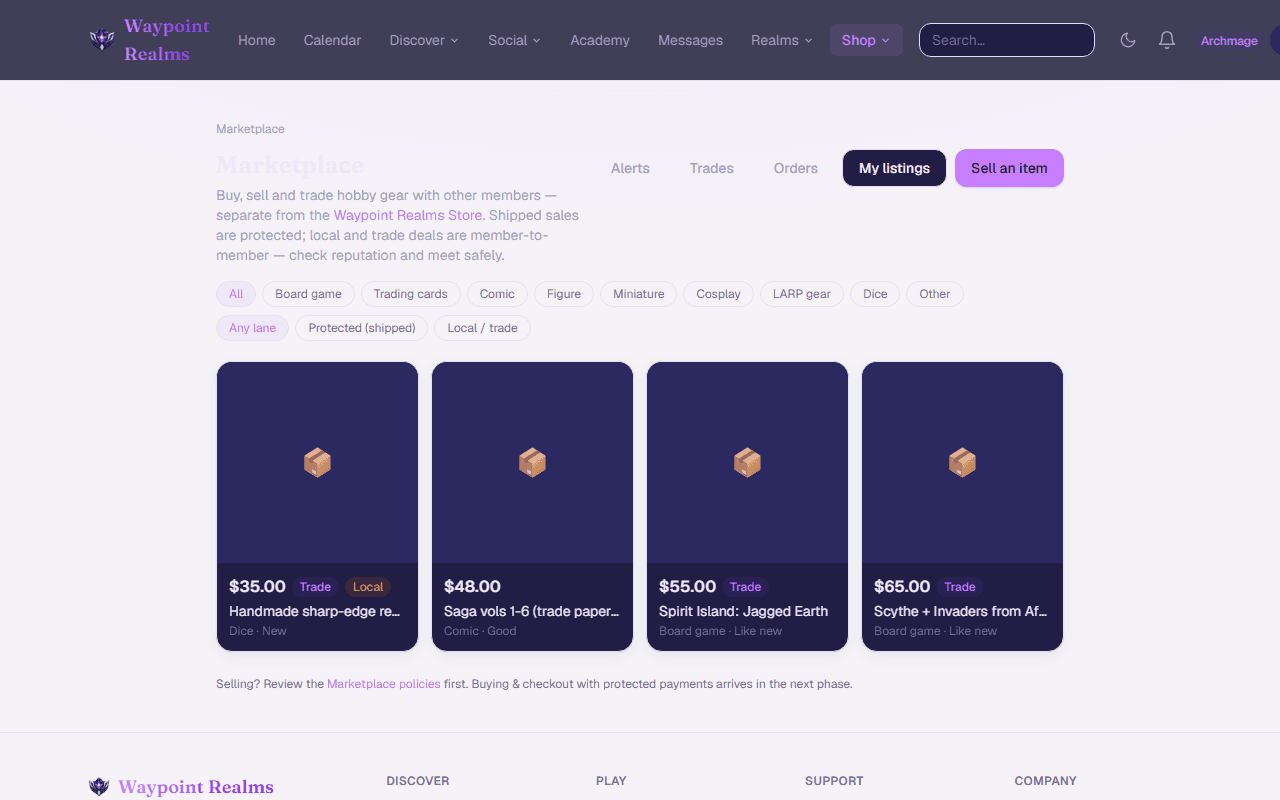
The Marketplace is where members buy, sell and trade with each other — the shelf you have finished with, the miniatures you overbought, the game you have been hunting for. It is separate from the Shop, which sells Waypoint Realms gear and partner store products.
Two ways a listing can work
- Shipped — you pay through Waypoint Realms, the seller posts the item, and your money is held until you confirm it arrived.
- Pickup at a safe-exchange venue — you pay through Waypoint Realms, meet the seller at a staffed partner venue, and your payment is released when you give them your handover code. See meeting at a safe-exchange venue.
- Local pickup — you arrange to meet and settle it between yourselves. Waypoint Realms does not handle the money. Read meeting in person safely before you go.
Buying something
Find it
Browse the marketplace or search. Each listing shows the condition, whether the seller ships or meets, and any note about authenticity.Buy it, or make an offer
Buy now takes you to checkout. Or send an offer — a lower price, a swap for something of yours, or a swap plus cash. The seller can accept, decline, or leave it while they think.Pay
Checkout is handled by Stripe. Your card details never reach us or the seller.Wait for it to ship
The seller marks it shipped and can add a tracking number. You will get a notification.Confirm it arrived
Open the order and confirm. That releases the money to the seller. If you do nothing, it releases automatically after the hold window — so confirm promptly if you are happy, and raise a dispute if you are not.
Your money is held, not sent
Making an offer
On any listing that accepts trades, Make an offer lets you propose one or more of your own listings, an amount of cash, or both. The seller sees exactly what is on the table. When they accept:
- Every item involved — theirs and yours — is reserved immediately, so nothing can be sold twice.
- A trade is created, with a checklist for both sides to mark shipped and received.
- Any other open offers on their listing are declined automatically.
- If cash is part of it, that amount is held the same way a purchase is.
If something goes wrong
Message the seller first
Most problems are a delay, not a dishonest seller. The order page has a link to message them.Open a dispute
If the item never arrived, or arrived not as described, open a dispute from the order before the hold window ends. The money stays held while it is reviewed.We review it
Both sides can respond. We can refund the buyer or release to the seller, and we will tell you which and why.
What we can and cannot help with
Wants
Add something to your wants and we will tell you when a member lists it — rather than you checking back. Wants are private; sellers see that interest exists, not who wants what.
Buying safely
- Read the condition and the photos. Ask before you buy, not after.
- Keep the conversation in Waypoint Realms messages — it is the record if something goes wrong.
- Never move a shipped sale off-platform to save the fee. Off-platform means no held money and no dispute.
- For pickups, meet somewhere public — a game store or a café, not a doorstep. A safe-exchange venue has staff around.
Still stuck? Browse all help or contact us. To report someone or something, use the report action on the relevant profile, post, or session — it sends us the context automatically.