Requesting a game at a venue
Ask to play a specific game at a venue, gather interest from others, and let a partner schedule it.
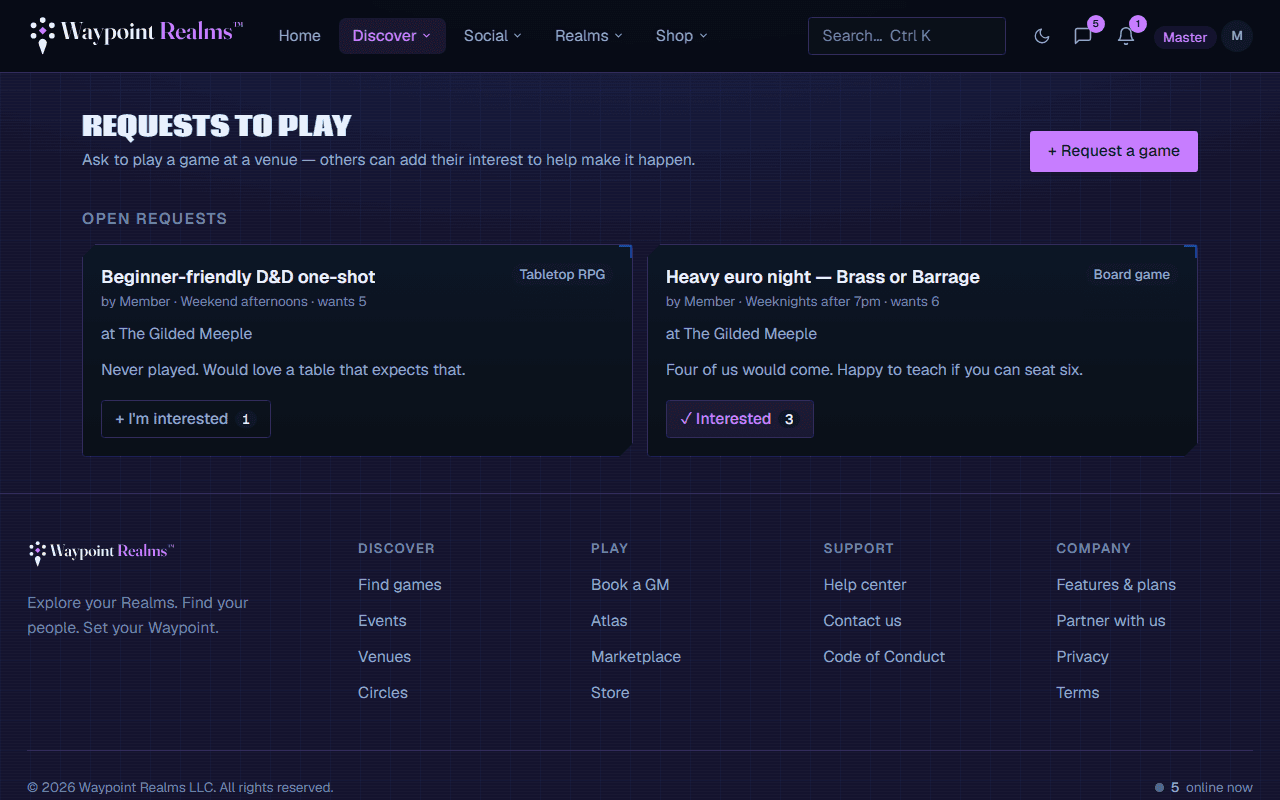
Can't find the game you want on the calendar? Post a request to play. It signals demand to a venue and lets other members add their interest — a great way to get a game off the ground without hosting it yourself.
Posting a request
Open Requests
Go to Requests → Request a game.Say what you want to play
Pick a game from the catalog (or a general activity), add a title, a preferred timeframe, and how many players you're hoping for.Choose a venue — or leave it open
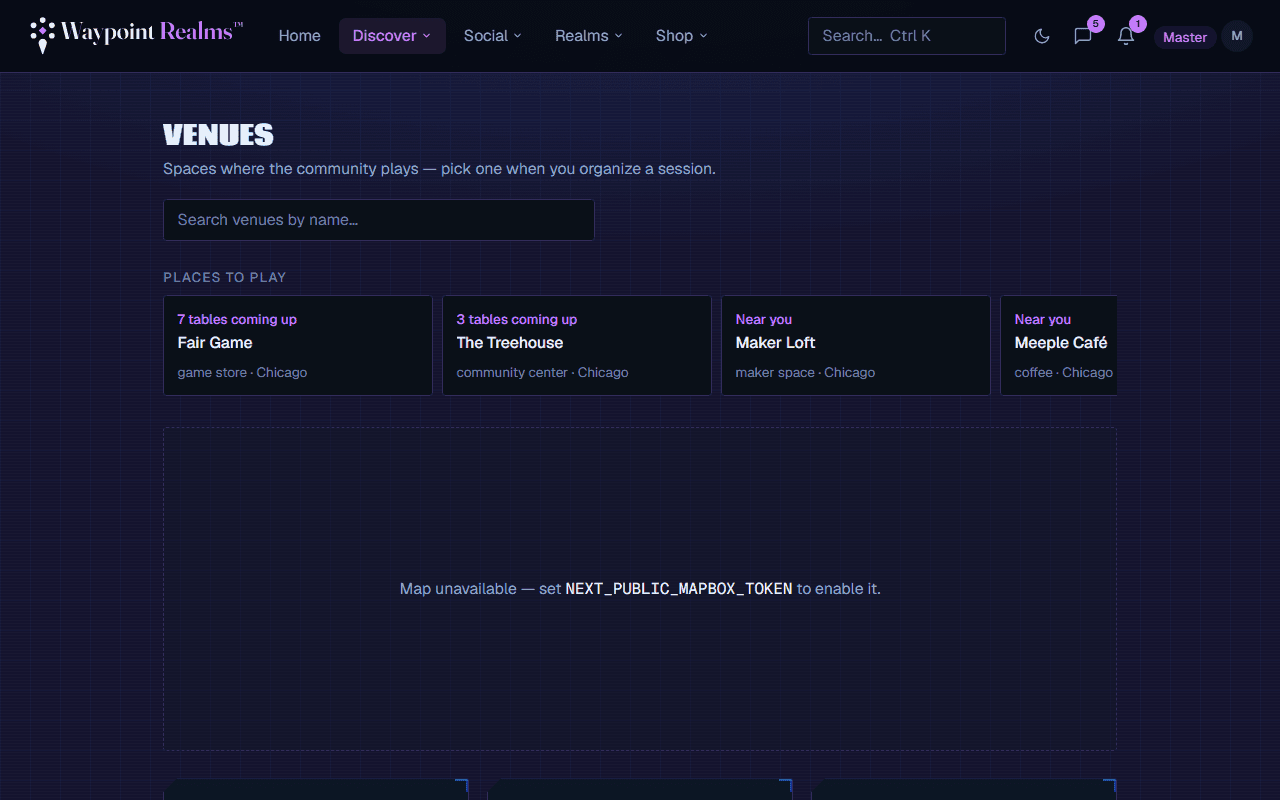
Target a specific partner venue to send it to their queue, or leave it open to any venue for any partner to pick up.
Gathering interest
Your request appears on the board for others to see. Anyone can tap I'm interested to add a +1 — the more interest, the more likely a venue schedules it.
From request to real session
Track your requests
Still stuck? Browse all help or contact us. To report someone or something, use the report action on the relevant profile, post, or session — it sends us the context automatically.