
Galleries: posting images
Where your photos go, who can see them, how moderation works, and when you must declare that AI was involved.
On this page
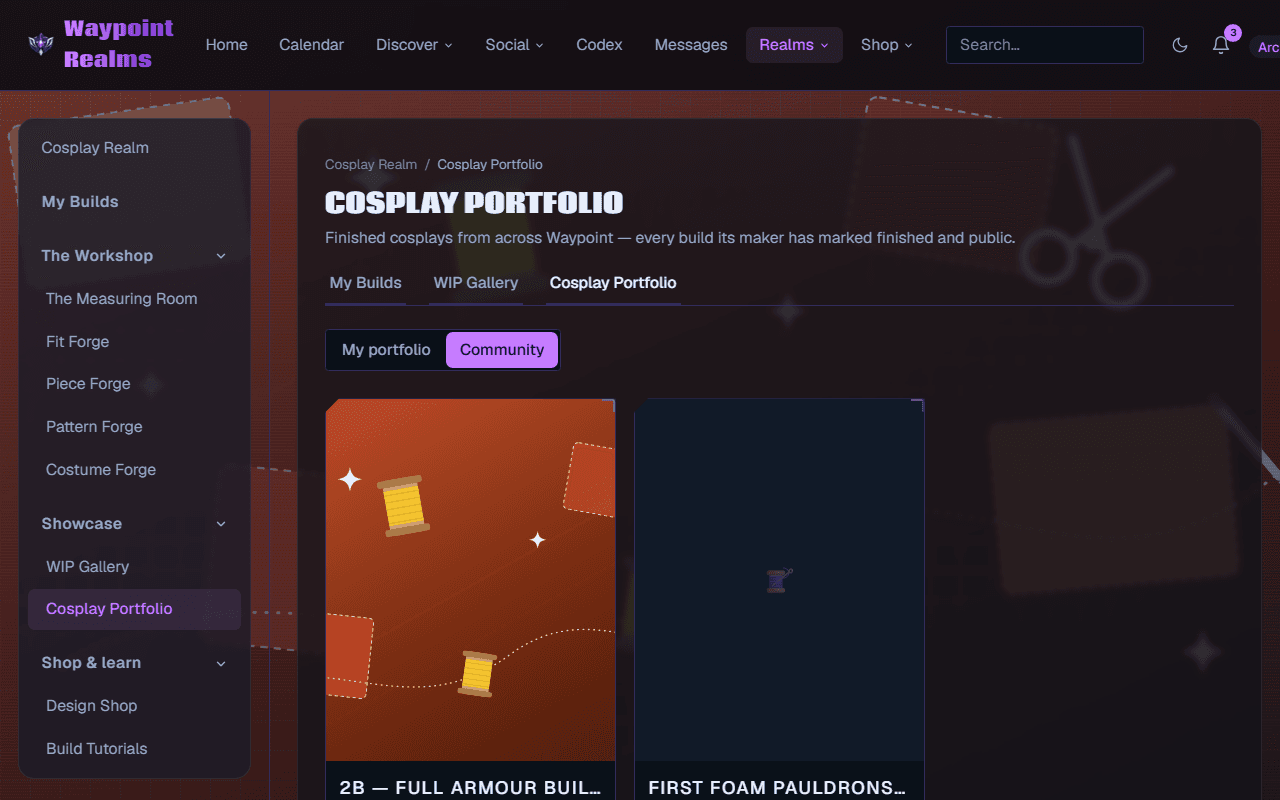
Several Realms have galleries — cosplay works in progress, comics and anime fan art, finished costume portfolios. They all use the same upload, the same visibility rules and the same moderation.
Uploading
Choose the image
JPEG, PNG or WebP. Large images are resized for you.Say what it is
A caption, and — if it is attached to something, like a build or a title — which thing.Choose who sees it
Public (anyone who can open the page it sits on — Realm galleries are for signed-in members, while Atlas pages are open to signed-out visitors too), unlisted (only people with the link), or private (only you).Declare AI, if any
A checkbox. Tick it if the image was generated or substantially altered by AI. Ticked images show an AI badge.
Moderation
Every uploaded image is screened before other members see it. If screening is unavailable, the upload is refused rather than published unchecked — an annoying failure is better than the alternative, and it usually means trying again in a few minutes.
Something that gets past screening can still be reported by anyone who sees it; see reporting and blocking.
Fan art of characters you don't own
You can post fan art of licensed characters, still or animated, as long as it is your own drawing: no traced official art, no ripped game or anime assets, no screenshots passed off as your work. Fan art comes down if the rights holder asks. Official contests and art challenges are different: entries there must be original characters.
Where AI images are labelled automatically
Images that Waypoint Realms generated for you — character portraits, circle emblems, Realm artwork — carry the AI badge without you doing anything, because we know where they came from. The checkbox exists for images you made elsewhere, where only you know.
Removing something
You can delete anything you posted at any time. Deleting removes it from galleries immediately. If you delete your account, your uploads go with it — see your data and account.
Was this helpful?