GM tools: dice, initiative, battle map & generators
Tools for running tabletop games — a 3D dice roller, a shareable initiative tracker and battle map, generators, a bestiary, and AI prep.
Game MastersUpdated July 2, 2026
The tabletop Realm has a set of tools to help you run a game — at the table or online. They work standalone, and pair naturally with campaigns.
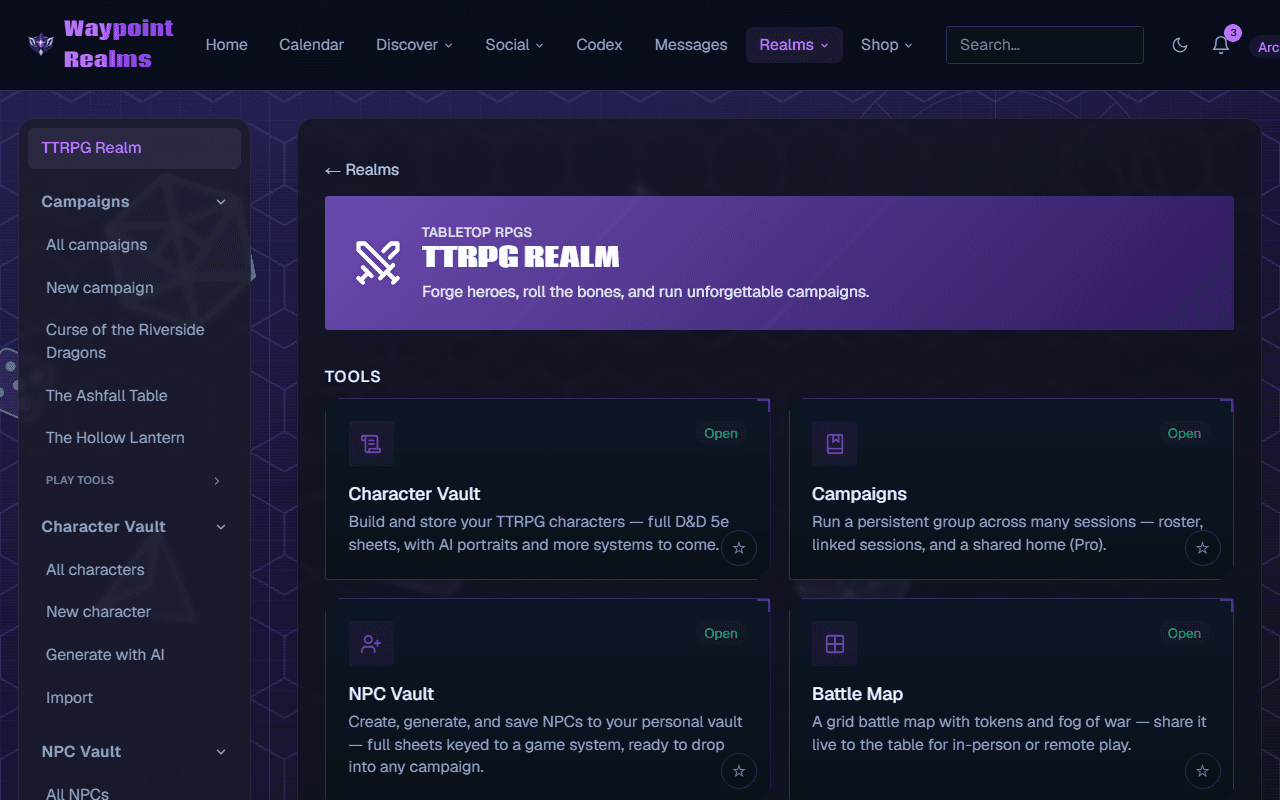
What's in the toolkit
- Dice roller — a 3D roller for any combination of dice and modifiers.
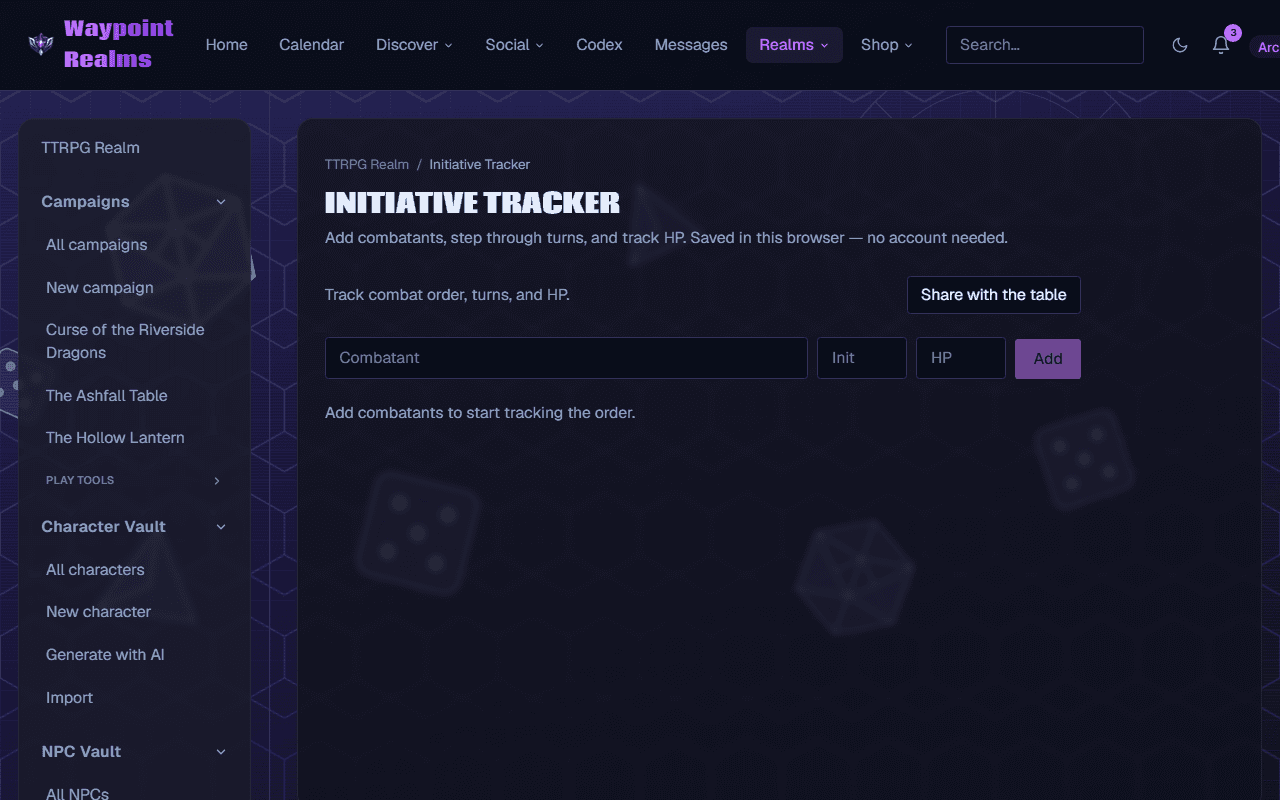
- Initiative tracker — order combatants, track turns, HP, and rounds.
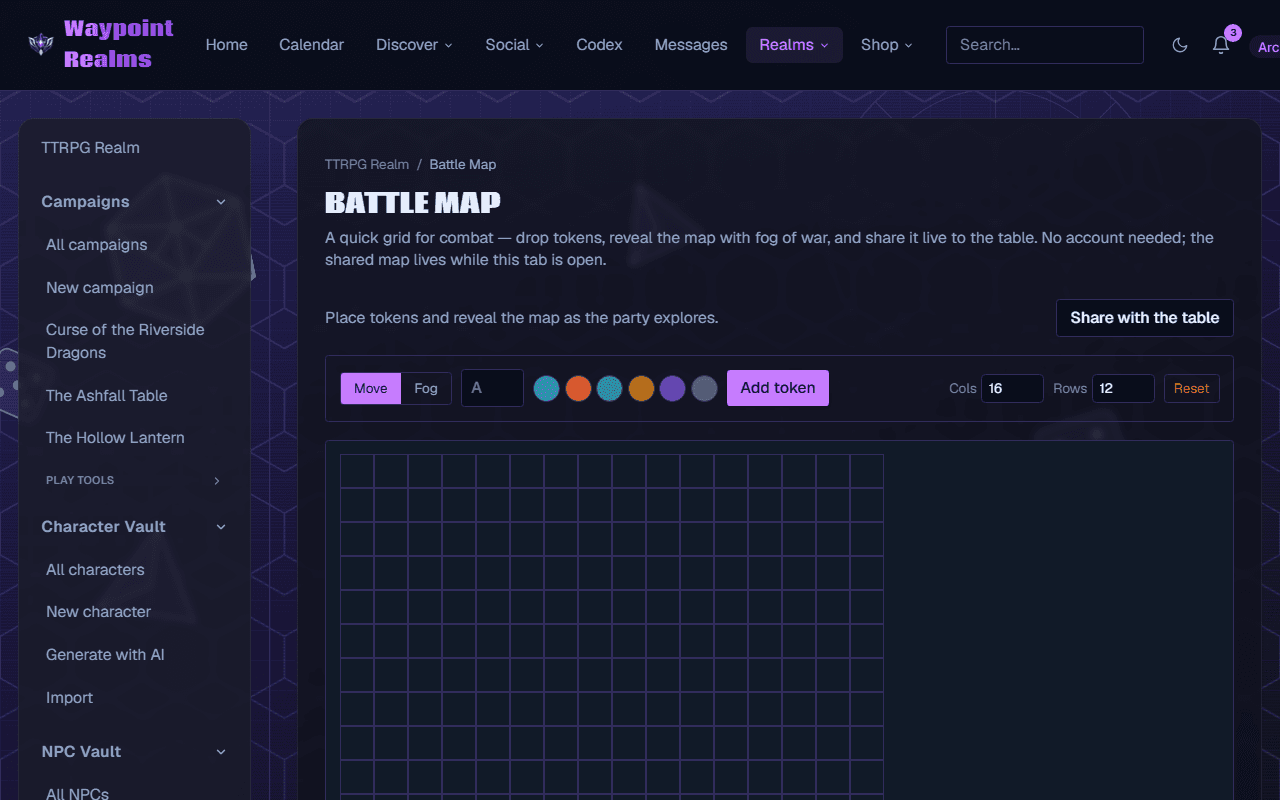
- Battle map — a grid with movable tokens and paintable fog of war.
- NPC generator — spin up names, traits, and hooks on demand.
- Loot generator — quick treasure and rewards.
- Encounter generator — assemble balanced encounters.
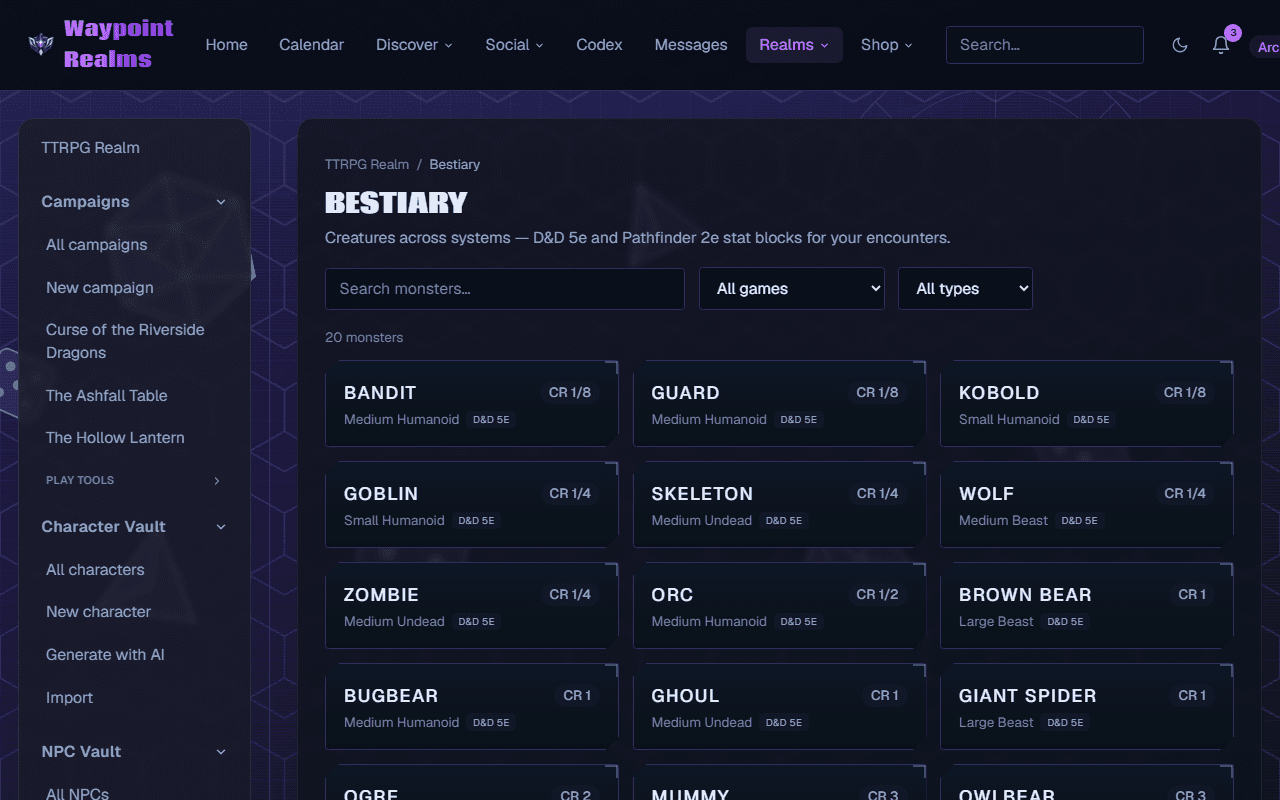
- Bestiary — browse creature stat blocks (by game, CR, and type) for your encounters.
Share it live to the table
The initiative tracker and battle map can be shared with a link — tap Share with the table and anyone who opens it follows along in real time (read-only), whether they're in the room on a shared screen or joining remotely.
AI prep & recap (in a campaign)
Running a campaign? As the GM you can draft a “Previously on…” recap from the chat or session-prepnotes (hooks, NPCs, encounters) with AI, then review and edit before saving them to the journal. Nothing posts without your say-so.
Multi-game bestiary
The bestiary spans several systems (D&D 5e, Pathfinder 2e, and more), with filters by game, challenge rating, and creature type so you find the right monster fast.
The AI GM uses these too
When you play with the AI Game Master, it rolls with the same dice logic and looks up creatures from the bestiary — so its results are grounded in the same tools you'd use by hand.
Find these under the Workbench's Tabletop Realm. For character sheets, see the Character Vault.
Still stuck? Browse all help or contact us. To report someone or something, use the report action on the relevant profile, post, or session — it sends us the context automatically.