
Character Vault
Build, generate, or import character sheets across eight systems — with AI flesh-out, an AI character image, PDF export, and sharing.
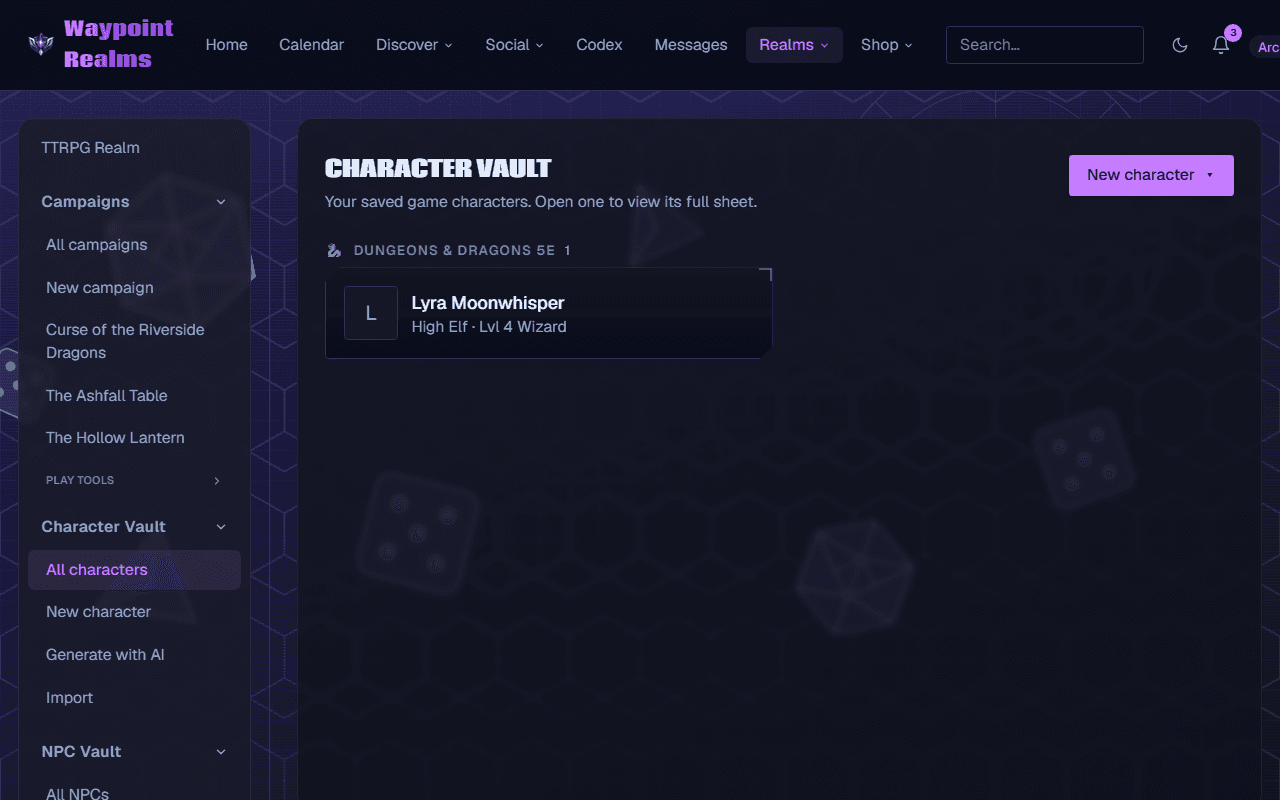
The Character Vault (in the TTRPG Realm) keeps your characters in one place, with full sheets for eight systems that compute their own modifiers, saves, skills, and defenses as you edit.
Supported systems
- Dungeons & Dragons 5e
- Pathfinder 2e
- Call of Cthulhu
- Champions / HERO System
- Mutants & Masterminds
- Marvel Multiverse RPG (d616)
- Masks: A New Generation (PbtA)
- Custom (a flexible, labeled-fields sheet for any other game)
Three ways to make a character
Each has a step-by-step tutorial; the full series is listed at the top of this page.
Generate with AI
Pick a system and a few optional inputs (name, level, class/ancestry, origin, playbook…); the Generator rolls or builds a complete starter you can preview, regenerate, edit, and save. See Generate a character.Create manually
Choose a system and fill out its editor by hand. See Create a character by hand.Import from a sheet
Upload a photo of a sheet or paste its text; AI reads it into the right system's fields for you to review and finish. See Import a character.
Character image & portrait
Generate a full‑body character image from the whole sheet, or upload your own (PNG/JPEG/WebP/GIF up to 4 MB). Either way, a head‑and‑shoulders portrait is cropped from it automatically — no separate upload. Generating an image costs 5 AI credits from your own balance; uploading your own is free.
Export & share
- Export to PDF — a clean printable sheet for any system, portrait included; available to anyone who can view the sheet.
- Share — set a character to unlisted or public for a read-only link; private stays visible only to you.
- Bring it to a game — link a character to a campaign, or attach one when you join a session so the organizer and confirmed players can see it.
Step by step: play your character and level it up, and add art, share and export.
Was this helpful?