Share your characters & decks
Make a character sheet or MTG deck shareable with a read-only link — or keep it private.
PlayersUpdated June 17, 2026
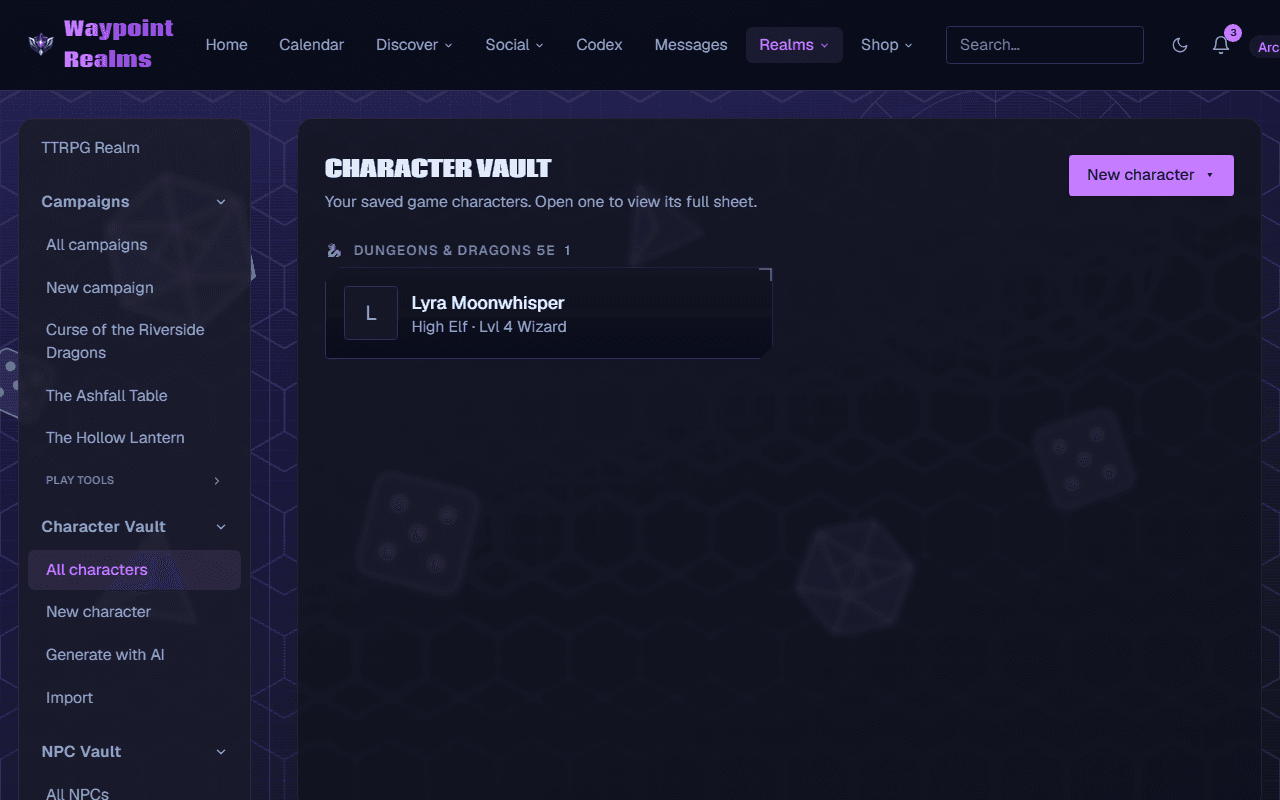
Characters and decks are private by default — only you can see them. You can open either one up with a read-only share link whenever you want.
Visibility levels
- Private — only you.
- Anyone with the link (unlisted) — shareable by link, but not listed publicly or indexed by search engines.
- Public — anyone with the link can view it.
Shared views are read-only — people you share with can look, but only you can edit.
One difference
A shared character opens for anyone with the link, even without a Waypoint Realms account (it has its own public page). A shared deck opens for any signed-in Waypoint Realms member with the link — handy for sharing with your playgroup.
Share a character
Open your character
Go to the character in your Character Vault.Set its visibility
In the Sharing control, choose “Anyone with the link” or “Public”.Copy the link
Use Copy link and send it to your table. They'll see a clean, read-only sheet.
Share an MTG deck
Open your deck
Go to the deck in your decks.Set who can see it
In the Sharing card, pick “Anyone with the link” or “Public”.Copy the share link
Use Copy share link — signed-in members who open it get a read-only view of the decklist, mana curve, and legality (but not your collection).
Change your mind?
Set it back to Private anytime — the link stops working for everyone but you.
Still stuck? Browse all help or contact us. To report someone or something, use the report action on the relevant profile, post, or session — it sends us the context automatically.