GM tools in a campaign
Build NPCs & adversaries (with AI), run a live battle map, keep a journal with secret GM notes, log XP, and draft AI recaps & session prep.
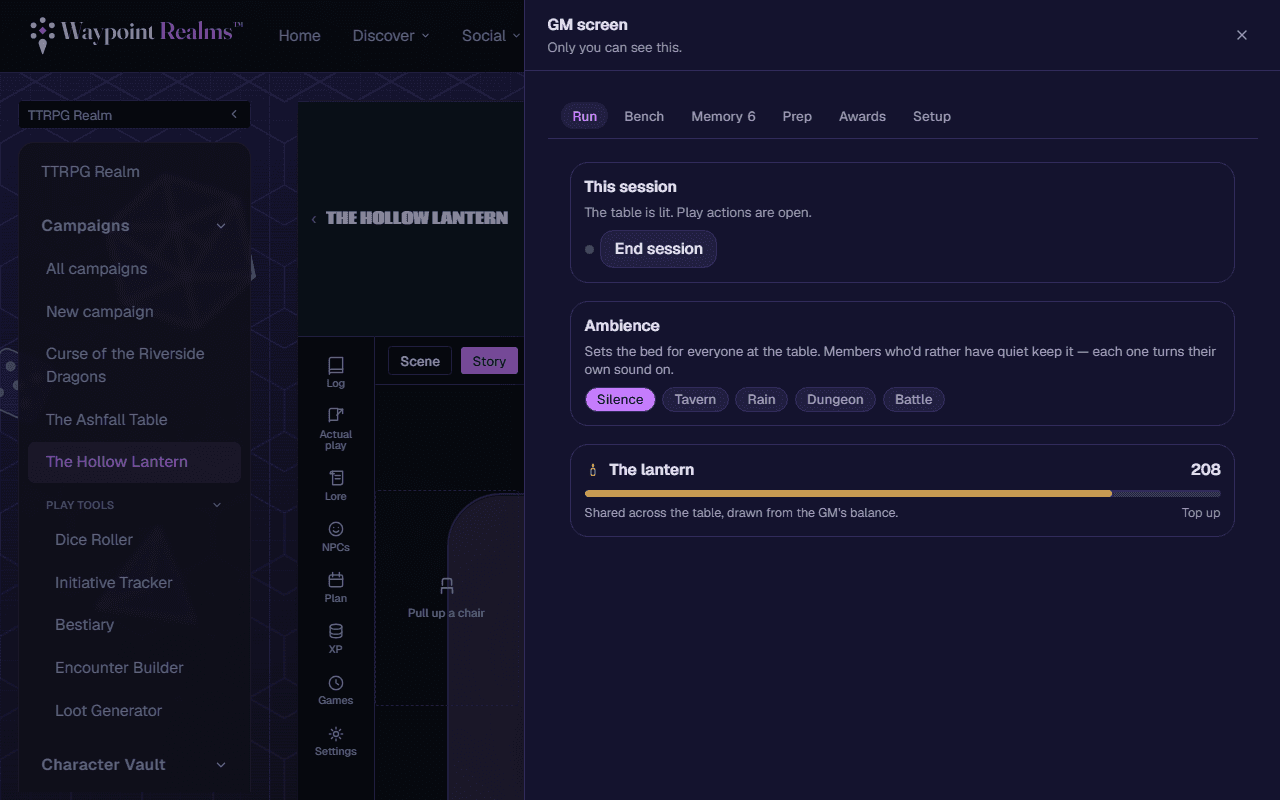
A campaign bundles the tools you need to run it, alongside the story. Some are GM‑only; others open up to players via settings. For the standalone versions (a 3D dice roller, initiative tracker, and more), see GM tools.
NPCs & adversaries
- Build villains, allies, and NPCs with a name, kind, challenge, freeform stat block, and notes — works across any system.
- ✨ Generate for this game spins up a setting‑appropriate NPC (age, race, appearance, personality, and items) tuned to your system. Generating uses your own AI credits.
- Any member can add NPCs when Players can add NPCs is on; the author and GMs can edit or remove them.
Battle map
- A persistent shared grid — admins paint terrain and place, move, resize, and rename tokens (PC, NPC, villain, object). Everyone at the table sees it update live.
- Tokens that match a party character or adversary by name show that avatar and their live HP, pulled straight from the linked sheet.
- On AI tables, the AI Game Master moves and updates the map itself as the scene plays out.
Journal & secret GM notes
- Shared notes — a running log the party can read (players can add when allowed).
- GM‑only notes — secret notes only GMs see, for plot you're not ready to reveal.
XP
The GM logs experience and milestones — party‑wide or for a single member — so leveling stays on the record.
AI recap & session prep
Whether your GM is human or AI, GMs can draft with AI and review before anything is saved:
- Draft recap — a “Previously on…” summary from the chat transcript, saved to the shared journal.
- Draft session prep — hooks, NPCs, and possible encounters, saved as a GM‑only note.
Human-in-the-loop + credits
Bestiary lookups
Still stuck? Browse all help or contact us. To report someone or something, use the report action on the relevant profile, post, or session — it sends us the context automatically.