
For EveryoneUpdated Oct 27, 20261 min read
Your game shelf (My Games)
Track games you own, want, and have played — flag what you can teach or want to learn, log your plays, and find your games near you.
On this page
Waypoint Realms has a shared game catalog, and every game has its own page. Your shelf — My Games, in the Board Games Realm — is your personal relationship to those games.
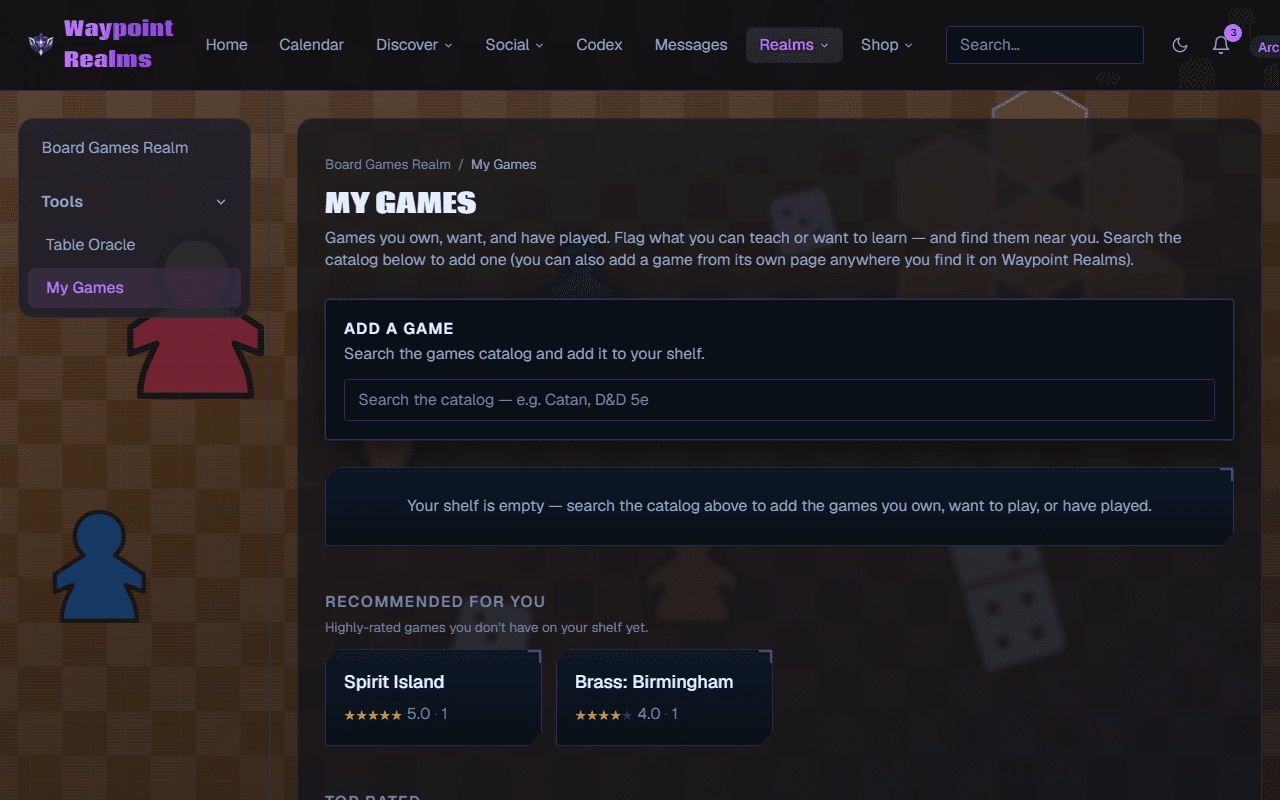
Build your shelf
Find a game
In My Games, search the catalog and pick the game — or use Your games on any game's page.Set a status
I own it, Want to play or Played, then Add to shelf. My Games shows your Owned and Want to play shelves; turn on Played with its chip.Flag teach / learn
Tick Can teach or Want to learn (on a game's page, I can teach this).
Why it's useful
- Tonight's game — the Table Oracle deals from the owned games of everyone at your table.
- Find your games near you — on Sessions, sessions playing a game on your shelf get an “On your shelf” badge, and Best match floats them to the top.
- Teaching & learning — each game page lists members who can teach it, so you can find someone to show you the ropes (or offer to teach it yourself).
- Your record — the Play log keeps every play, your win rate and your top game.
Step by step
- Build your shelf — add, sort, filter, change and remove games.
- Log plays and use your shelf — the play log, win rate, and which friends own what you want.
Was this helpful?