
The Comics Realm
Track your collection and pull list, read comics published here, make or publish your own, and find collaborators.
On this page
The Comics Realm covers three habits: keeping track of a collection, reading comics, and making them. They are separate tools on purpose.
Your library
The Comics Library is your own shelf: series you want, are reading or have read, with a pull list of the ones you buy each month. Nothing is public unless you choose; a public series shows on Discover with your name, and a member under 18, or without a birthdate on file, is shown only to their friends. Link a series to the Atlas — you can only do that when adding it — and you can mark each issue owned or read, record your copies, and see the holes in your run. Step by step: add series and build a pull list, track issues and copies, import from CLZ or League of Comic Geeks and collections, Discover, your year and hiding.
The Atlas
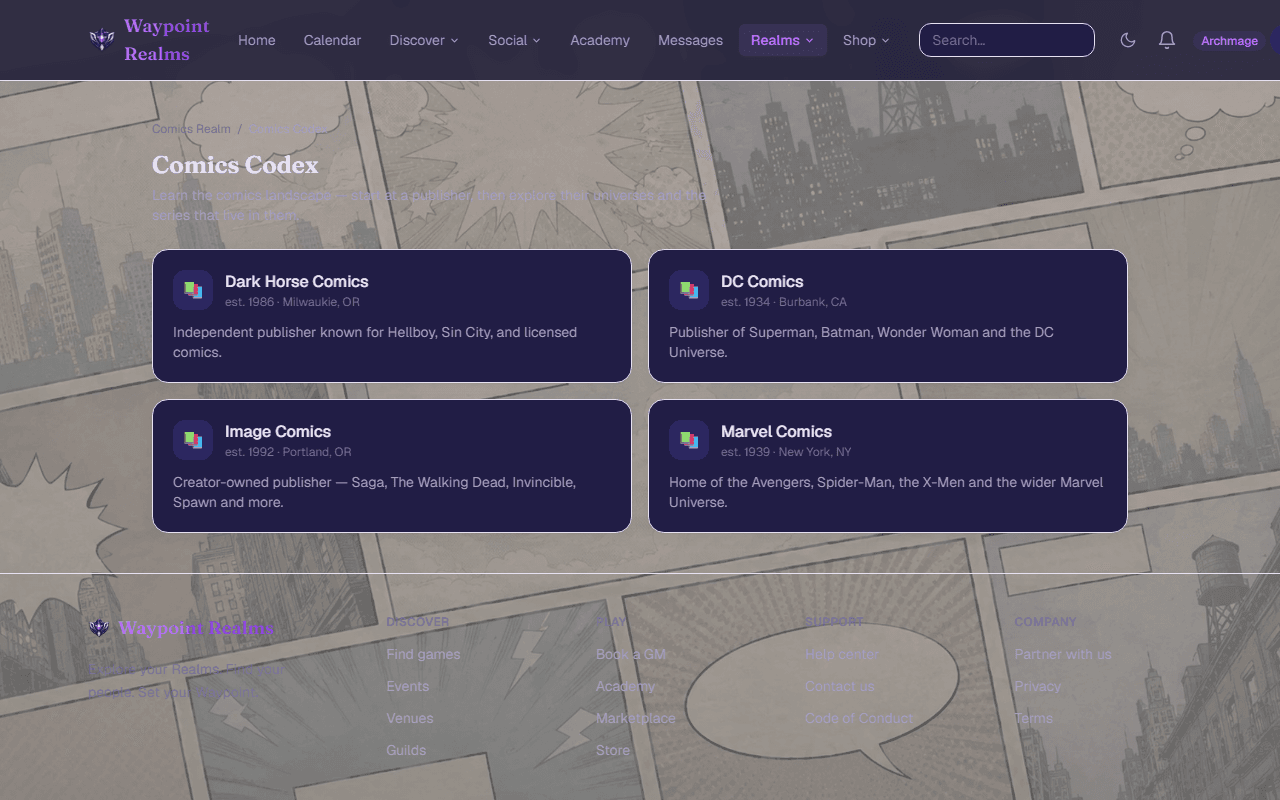
The Comics Atlas is a hand-curated reference: publisher → universe → series, with entries for the characters, teams, places and things inside them, and arcs & events as reading orders across series. It is readable without an account. Follow a series, creator, character or arc to hear when an issue it's in comes out. Step by step: explore it and follow and suggest an edit.
New Comic Day
New Comic Day lists every upcoming issue of the series on your pull list that are linked to the Atlas, from today on, with a calendar download or a private feed. You get a reminder on the day, following your notification settings. See New Comic Day.
The Bindery: reading comics here
The Bindery is where comics published on Waypoint Realms are read. Every signed-in account can read free comics there, on any plan; signed out, the sample issue is the one you can open. Browse the catalog, open a title, and read paged, two-page on a wide screen, or as a webtoon strip — or panel by panel with Guided where the creator marked the panels. Right-to-left books read right-to-left. Your place is saved to your account; reader settings stay on each device. Pull a title (Pull new chapters) to hear about new chapters, and follow a publisher to hear about new titles.
To read without a connection, choose Download beside a chapter on its title’s page. Your downloads are on Downloaded comics, which opens even when you are offline. A download stays encrypted in that browser and opens only there. It lasts 30 days from the download, and must check in at least every 7 days — which happens while Downloaded comics is open with a connection, or with Check in now. If your access to the chapter ends, the download stops opening at the next check-in. Signing out removes your downloads, and you can sign a device’s downloads out from Comics content in your settings.
The Android app reads free comics and what your account already has, and can keep them on the phone, encrypted, by the same rules: see Read offline. It sells nothing and shows no prices, and Mature titles stay on the website. The iPhone app reads free chapters of free titles, online only. Audio comics play online, in a browser, and can't be downloaded.
Every title carries a rating, and any content warnings its creator declared. Choose the highest rating you want to see, and any warnings to hide, under Comics content in your settings. Members under 18, members who have not given a birthdate, and visitors who aren't signed in do not see titles rated Teen+ (16+), and never see Mature ones.
Making and publishing comics
On any plan, you can build a comic in the Comic Studio — panels, art you upload or draw, balloons, captions and sound effects — or upload a finished file (CBZ, CBR, CBT, PDF, fixed-layout EPUB or a single image) in the publishing console. Either way, you first set up a publishing identity, accept the Comics Publisher Agreement and confirm you hold the rights to what you publish; staff then activate your account before your first release. If the agreement changes, the console asks you to accept the new version before you publish anything new. Credits must add up to 100% before a title can be published. An audio comic is panels and a recording, and you upload both in the console.
You can also schedule a chapter: pick a date and time in your own timezone and it goes out then — once its review is done and the title itself is published — and everyone who pulls the title is told. Readers who pull it see the date on their New Comic Day.
Every chapter is checked automatically before it can be published. While the catalog is young every chapter is also reviewed by a person; after that, a publisher's first chapters, anything the check couldn't clear, and a sample of Teen+ and Mature work. That usually takes about a day, and you are told when it is done — approval doesn't publish it, so press Publish then.
The Collab Board
Writers looking for artists, artists looking for colorists, anyone looking for a letterer. Post what you are making and what you need, or answer someone else's; projects keep a team, and nobody joins without both sides agreeing. It is a noticeboard, not a jobs marketplace — money is between you. Step by step: find a collaborator and run a project.
Reporting a comic
Use Report on a title, under a chapter, or on a Collab Board listing to send it to our moderators. If a comic uses your copyrighted work, file a copyright notice instead — you do not need an account.
What is not open yet
Subscriptions and paying creators are not open yet, and buying single chapters is being tested with accounts we've named. Until they open, comics on Waypoint Realms are free to read.
Was this helpful?