
Explore the Comics Atlas: publishers, series, characters and reading orders
Work down from a publisher to a series and its issues, look up characters, teams and places, and follow an arc's reading order across series.
- ~4 min
- New to it
- Part 1 of 2
On this page
The Comics Atlas is a curated reference: publisher → universe → series, with entries for the characters, teams, places and things inside them. It's readable without an account.
Before you start
- Nothing — browse signed out. To track issues and follow: a Waypoint account.
Work down from a publisher
Open the Atlas
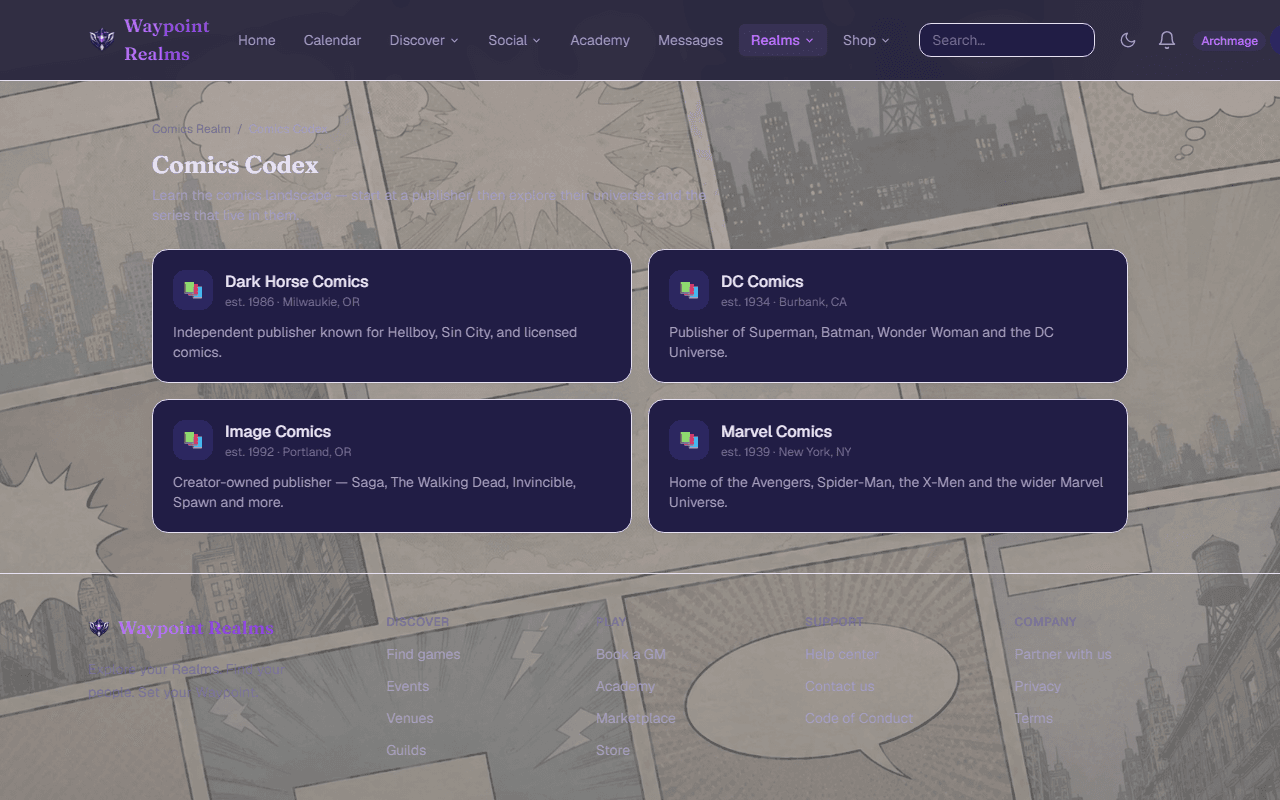
In the Comics Realm's rail, choose Comics Atlas. All publishers lists them A–Z.Pick a publisher, then a universe
A publisher's page lists its universes, imprints and series; a universe page shows Who and what is here and its Series.Open a series
Its page has the status (Ongoing, Ended, Limited series or One-shot), the cast, and Issues (…) with each one's on-sale date where the Atlas knows it.Open an issue
An issue page has its variant covers, the arc it's part of, and ← #… / #… → to step through the run.
Look someone up
The tabs across the top — Publishers, Series, Characters, Universes, Locations, Items, Teams, Organizations, Species, Vehicles, Arcs & events, Creators — each list one kind. Filter with the box (Filter series…) and Apply; switch Covers and List. A character's page has where they appear and a fact sheet.
Follow a reading order
Open Arcs & events
Choose the Arcs & events tab: reading orders for one story across however many series it runs through.Read in order
An arc lists its issues in reading order; signed in, it says · you have read … and marks the next one to read.
Check it worked
If something's off
- “No series catalogued yet.”
- The Atlas doesn't list that publisher's series yet.
- An issue says “Release date not announced”
- The Atlas has no date for it yet.
Was this helpful?