
For MembersUpdated Jul 2, 20261 min read
Notifications & preferences
See what Waypoint Realms notifies you about, and choose what reaches you in-app and by email.
The bell in the header collects everything that needs your attention. Open notifications to see the full list; unread items are highlighted.
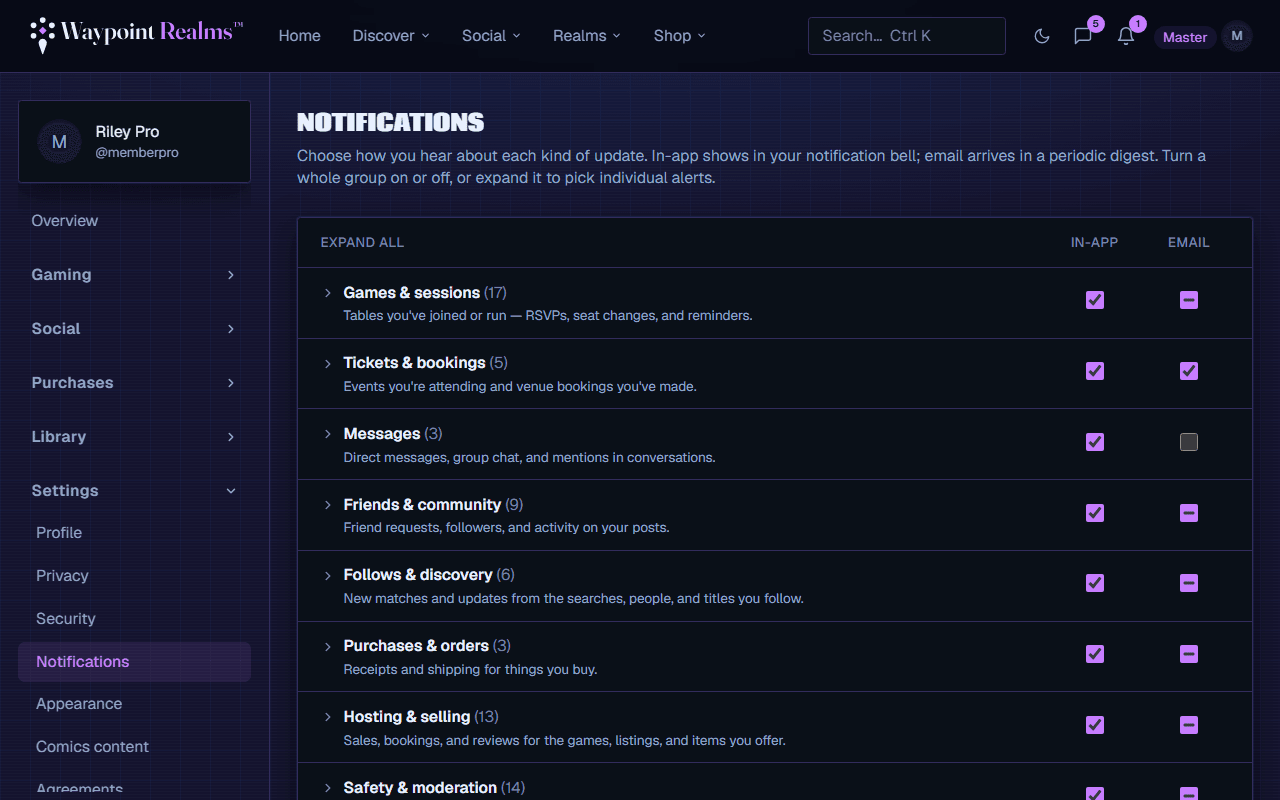
What you'll be notified about
- RSVPs & waitlists — confirmations and when a seat opens for you.
- Session updates — changes or cancellations to a game you're in.
- Connections — new requests and acceptances.
- Reviews — feedback on sessions you hosted.
- Requests to play — when a game you requested or marked interest in gets scheduled.
- Saved searches — new matches for searches you saved.
- Session reminders — before a game you signed up for, if you asked for one.
Choosing what reaches you
Go to notification settings to turn each type on or off per channel — in-app and email. Turn down the noise without missing the things that matter to you.
Was this helpful?