See what airs this week, and get reminded
The Airing & Season week view shows the next episodes of shows on your list in your own timezone, and a reminder tells you when each one is out.
- ~3 min
- New to it
- Part 1 of 2
The week view is built from your own library: every show linked to the Atlas that you're watching, rewatching or plan to watch, with its next episode at the time it airs where you are.
Before you start
- A currently-airing show in your library, picked from the Atlas (see Add a show and track it). A show typed in by hand has no schedule.
Read the week
Open Airing & Season
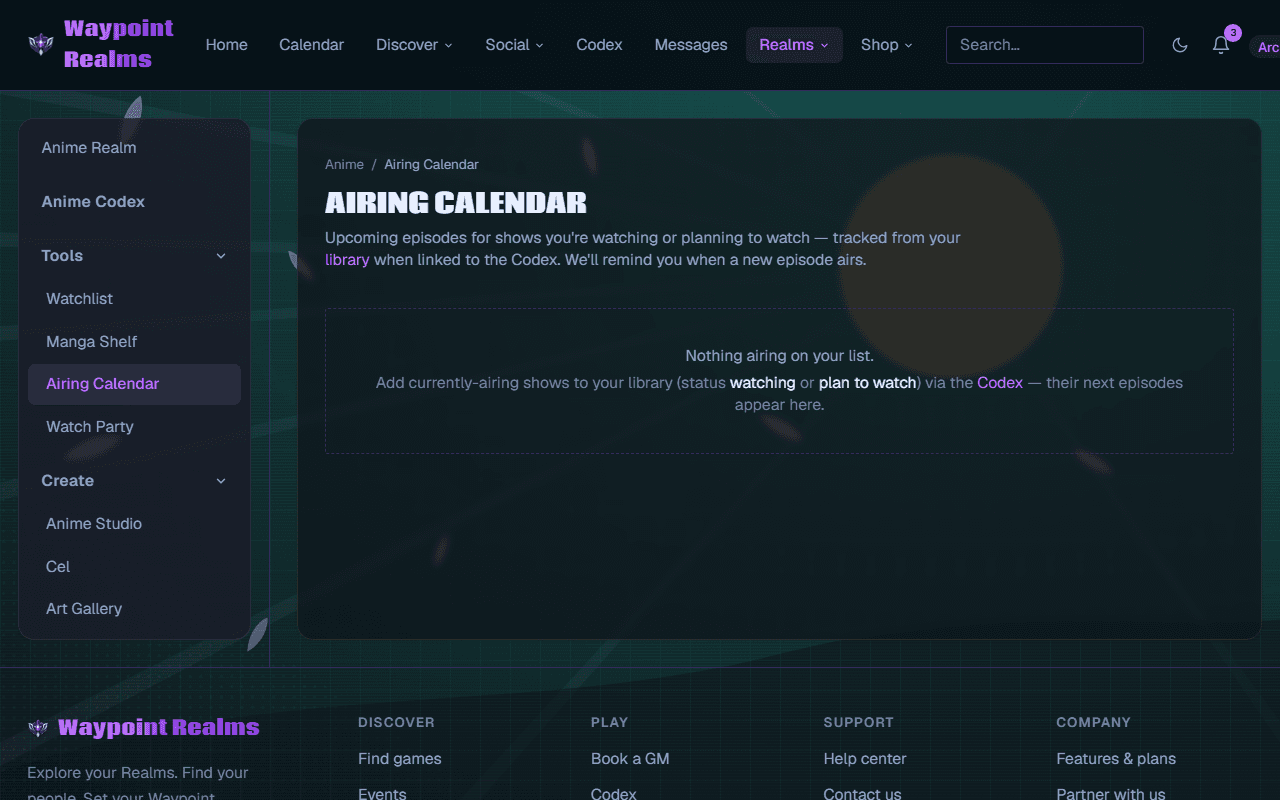
In the Anime Realm's rail, choose Airing & Season — or Airing calendar in your library.Pick the view
Week shows the next seven days, starting today; My season shows everything ahead this season on your list.Read a slot
Each slot gives the time, the show and Ep. … — and · party when a watch party is planned for it. Today lists what airs today.
Check it worked
Get reminded
Reminders are on for every show you're watching or plan to watch. When an episode is out you get New episode out — Episode … of “…” is out. — which opens the show ready to mark it watched. Next episodes also show on your calendar.
Mute one show
On its library card or Atlas page, press Reminders on; it reads Reminders muted.Or change how you hear
In your notification settings, under Follows & discovery, choose in-app or email for new episodes.
Rewatching shows
If something's off
- “Nothing airs this week”
- Nothing on your list airs in the next seven days. Press Browse the season to add a currently-airing show.
- A show on my list never appears
- It isn't linked to the Atlas, or it isn't airing. Edit it and pick it from the Atlas.
- Times say UTC
- The page hasn't picked up your timezone yet — it switches as soon as it has loaded.
Still stuck? Browse all help or contact us. To report someone or something, use the report action on the relevant profile, post, or session — it sends us the context automatically.