Costume Forge: wearing the pieces together
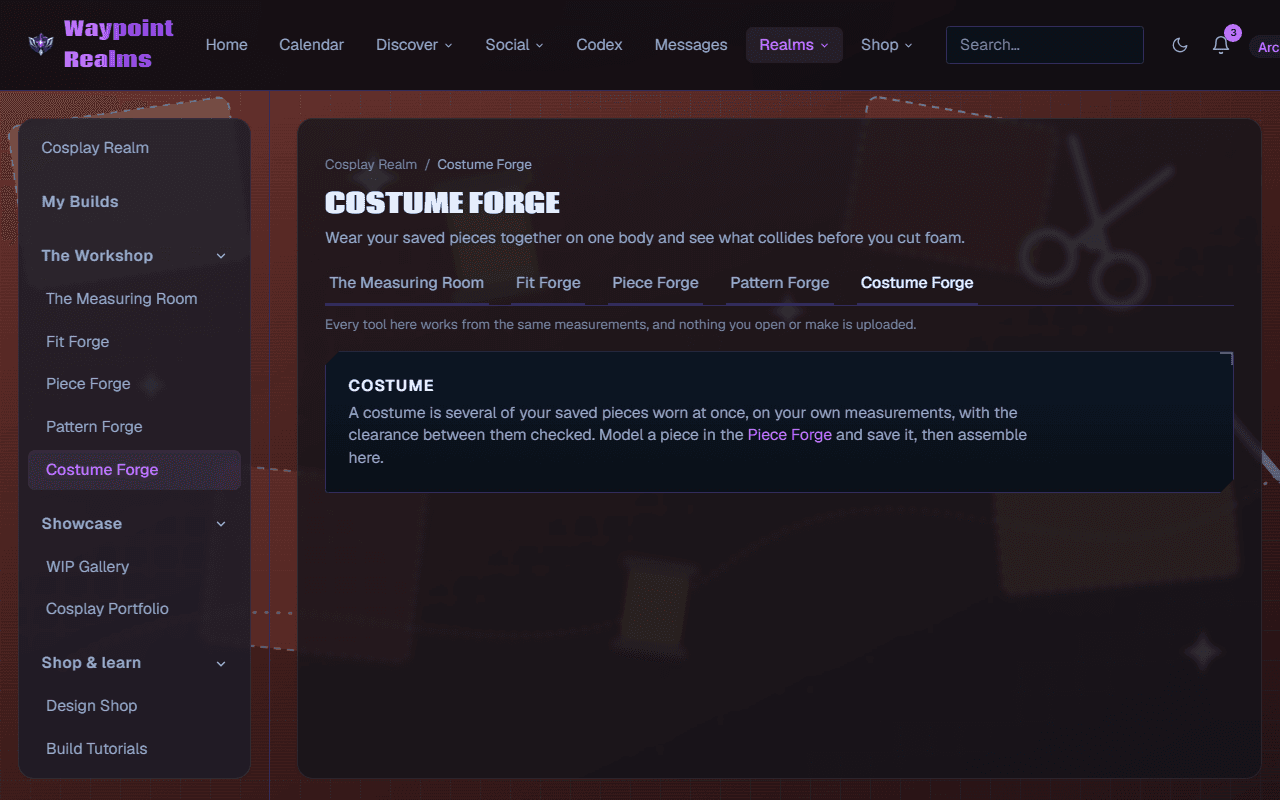
Put your saved pieces on one body at once and find out what collides — where a pauldron fouls a helmet, or a gauntlet stops an elbow bending — before you cut foam.
Pieces that each fit perfectly on their own can still be unwearable together. A pauldron that clears your shoulder standing still can foul the helmet when you turn your head; a gauntlet can stop an elbow bending. Costume Forge is where you find that out on screen rather than after a weekend of cutting foam.
How it works
Model and save your pieces
Costume Forge assembles what you have already made. Sculpt each piece in Piece Forge and save it — a helmet, a pauldron, a gauntlet, a greave.Wear them together
Add saved pieces to a costume. They are placed on your measurements from the Measuring Room, not on a generic mannequin, so the clearances are yours.Read the collisions
The forge checks the space between pieces and shows you where they overlap or leave too little room. Fix it by resizing the piece, moving it, or accepting a strap that sits differently.
Check the poses you'll actually be in
Linking a costume to a build
A costume can be attached to an entry in My Builds, which keeps the plan and the progress photos in the same place — what you intended beside what you actually made.
Assembling needs Adept or Archmage
Still stuck? Browse all help or contact us. To report someone or something, use the report action on the relevant profile, post, or session — it sends us the context automatically.