Build Tutorials: how-to videos
A community-submitted library of cosplay how-to videos, sorted by topic and difficulty — armour, EVA foam, 3D printing, sewing, wigs, paint, makeup and electronics.
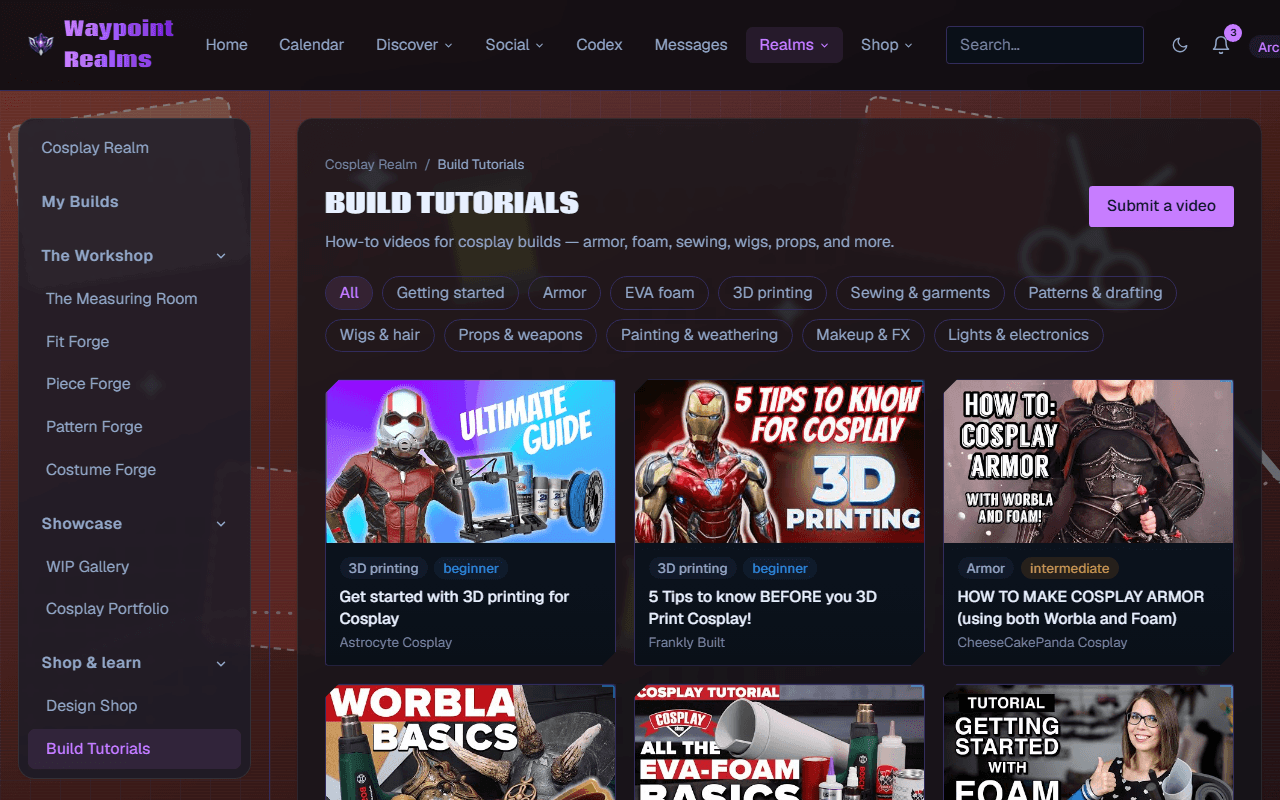
Build Tutorials is a library of how-to videos for cosplay builds, submitted and tagged by the community. It exists because the hard part of learning a technique is rarely finding a video — it is finding the right one for the material you are actually holding.
Finding the right one
- By topic — getting started, armour, EVA foam, 3D printing, sewing & garments, patterns & drafting, wigs & hair, props & weapons, painting & weathering, makeup & FX, lights & electronics.
- By difficulty — every video is tagged beginner, intermediate or above, so a first foam build does not open with a five-axis CNC.
Submitting one
Submit a video adds a tutorial to the library. Tag it with the topic and difficulty you would want if you were looking for it, and credit the creator — the point of the library is to send people to the people who made the thing.
Videos are hosted by their creators
Read the technique, then use the tools
Still stuck? Browse all help or contact us. To report someone or something, use the report action on the relevant profile, post, or session — it sends us the context automatically.