My Builds: planning a costume end to end
Break a costume into components with a budget, lay them on a timeline to your con date, keep your references, and log progress photos as you go.
My Builds is the project side of the Cosplay Realm. The Workshop is where you make the pieces; a build is where you decide what the pieces are, what they cost, and whether you will finish before the con.
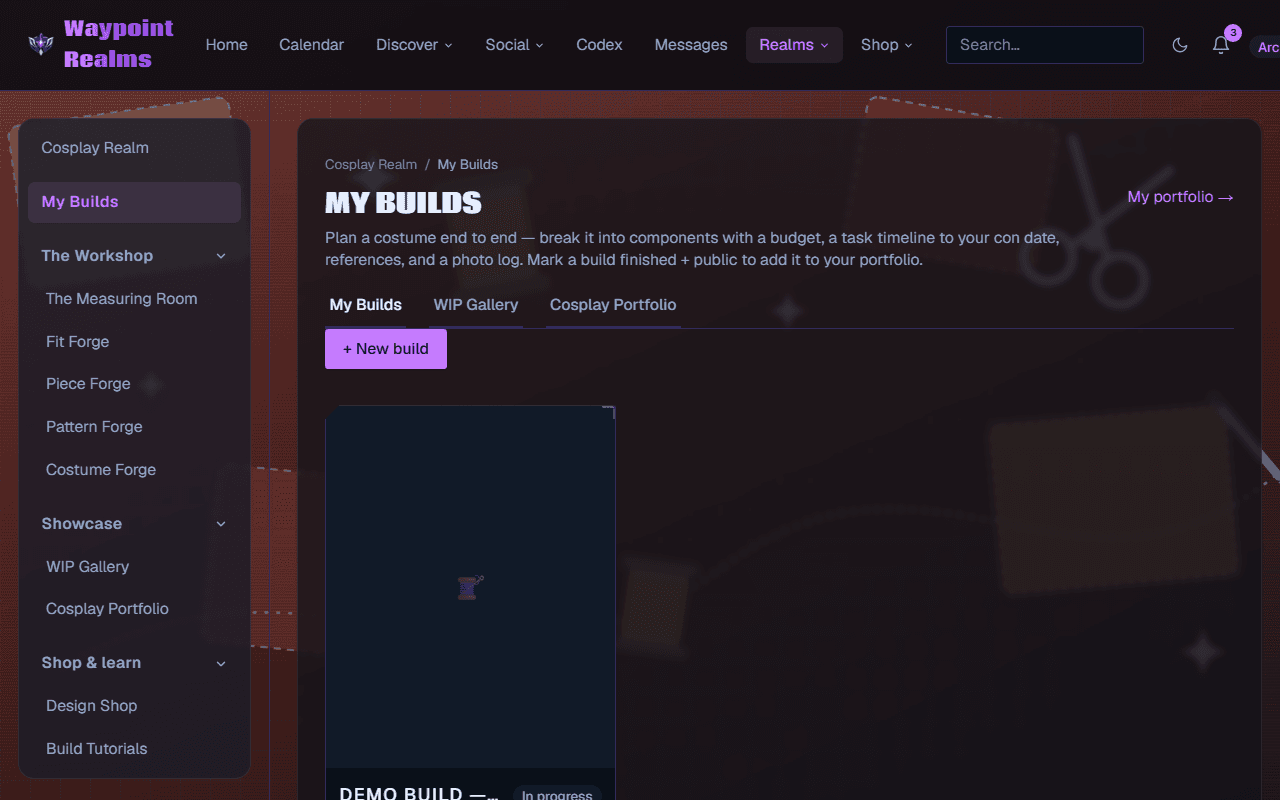
What a build holds
Components, with a budget
Break the costume into the things you actually have to make or buy — helmet, chest, pauldrons, undersuit, boots, wig — and put a cost against each. The total is the honest answer to “what is this going to cost me”, which is easier to face early.A timeline to your con date
Set the date you need it by and lay the tasks out backwards from it. A costume is rarely late because one thing took too long; it is late because six things each took a little longer and nothing showed that until the week before.References
Keep the reference art and photos with the build rather than in a folder somewhere. What you are matching should be next to what you are making.A photo log
Add progress shots as you work. They accumulate into the log for that build, and they are what fills your WIP Gallery.
Finishing a build
Mark a build finished and public and it becomes a portfolio piece automatically — no separate upload step. It shows in your Cosplay Portfolio and in the community view other members browse.
Private until you say otherwise
Link the costume you planned
Still stuck? Browse all help or contact us. To report someone or something, use the report action on the relevant profile, post, or session — it sends us the context automatically.