Tracking anime & manga
Keep what you're watching and reading in one library, log episodes and volumes as you go, and get reminded when a show you follow airs a new episode.
The Anime & Manga Library is where the Anime Realm keeps track of what you are actually watching and reading — with episode and volume counts, ratings, and a calendar that tells you when the next episode lands.
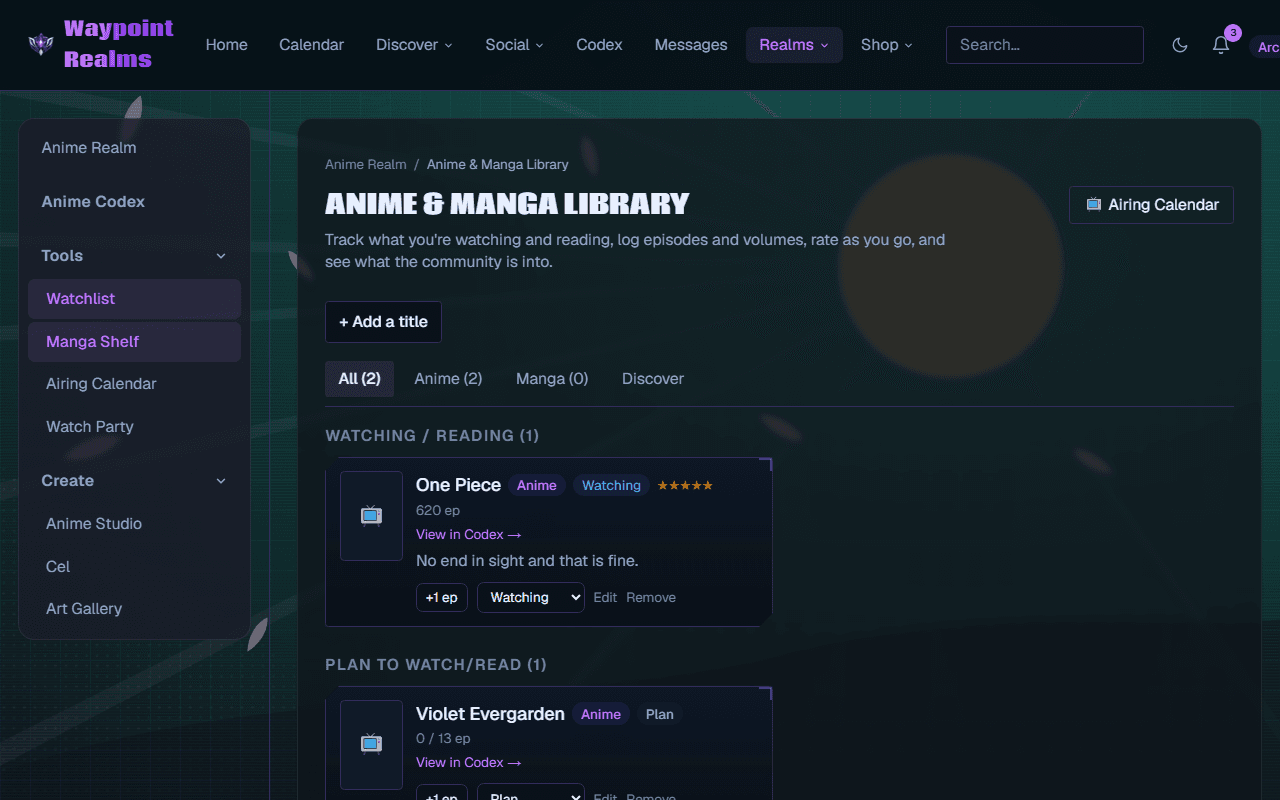
Tracking a title
Add it
+ Add a title, or add straight from a Codex page. Linking to the Codex is what makes the rest work — it is how the library knows how many episodes there are and when the next one airs.Set a status
Watching, plan to watch, and the rest. The library groups by status, so the three shows you are mid-way through do not get lost among the ninety you intend to start.Log as you go
+1 ep after each episode. Rate it when you have an opinion. Volumes work the same way for manga.
The Airing Calendar
Anything in your library marked watching or plan to watch that is currently airing shows up on the Airing Calendar with its next episode, and you get reminded when one airs.
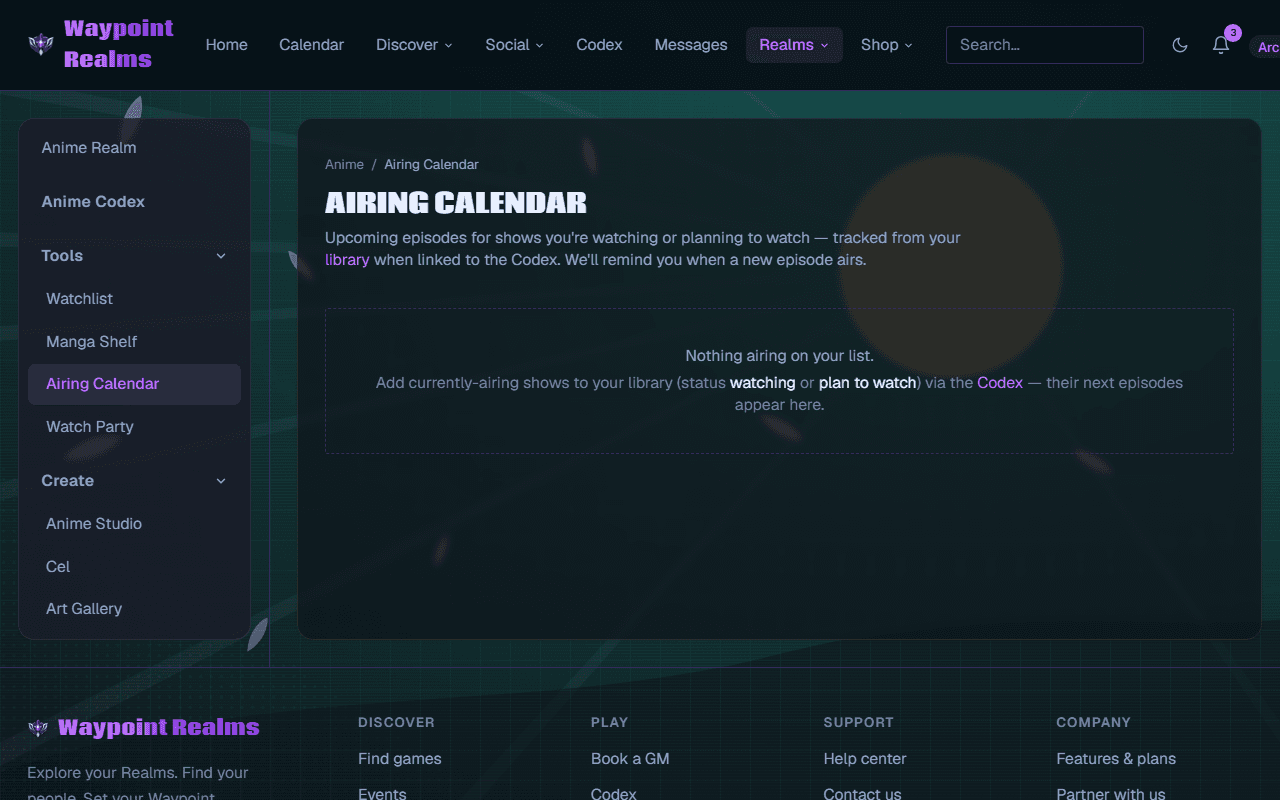
Nothing airing? Check the link
Watch Party
Watch Party is for watching together — a member-hosted watch-along with a date, the episodes you are covering, and an RSVP list. Host one from here, or open a title in the Codex and host or RSVP straight from its page.
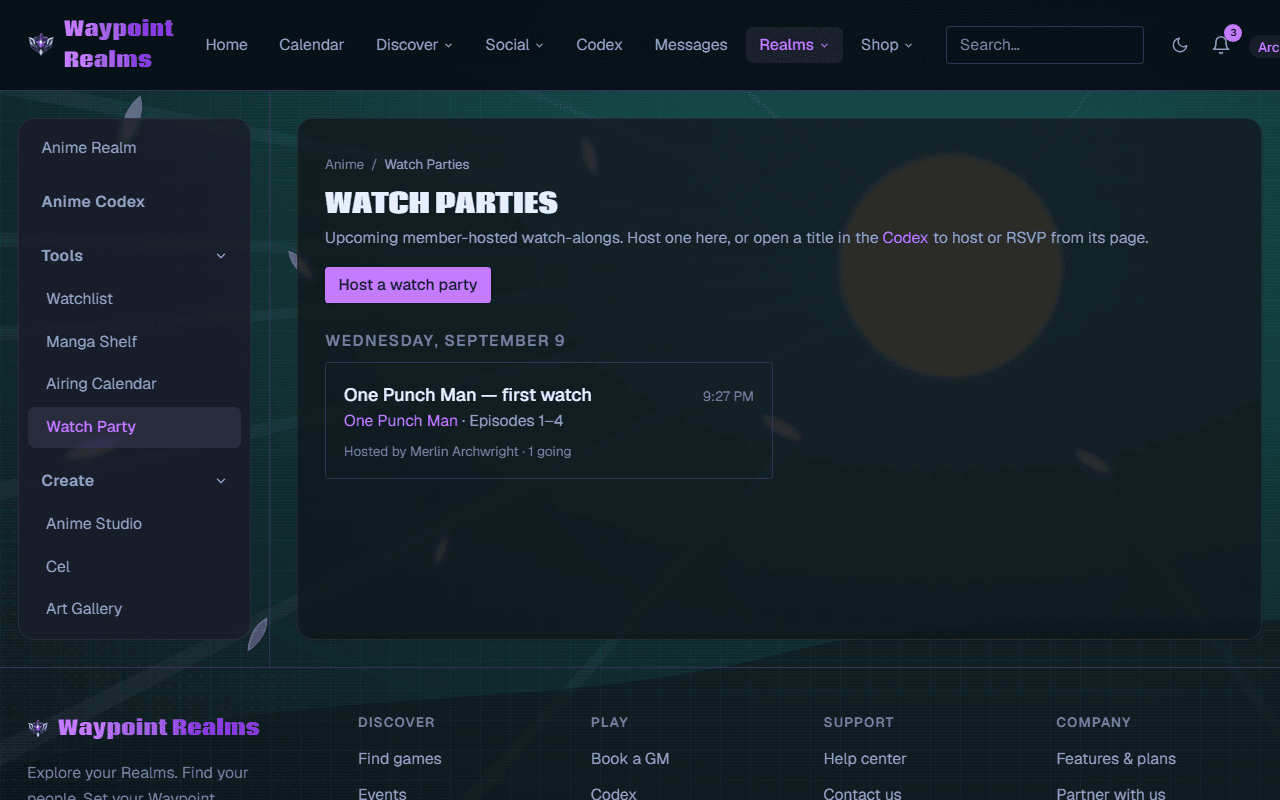
See what everyone else is into
Still stuck? Browse all help or contact us. To report someone or something, use the report action on the relevant profile, post, or session — it sends us the context automatically.