
For LARPersUpdated Oct 12, 20262 min read
Pack for a LARP with the kit checklist
Build one packing list by category — costume, weapons, camping, food and water, safety — tick things off as you pack, and unpack it for the next event.
- ~3 min
- New to it
The Kit & Gear Checklist is one packing list you keep from event to event. Build it once, tick it off as you pack, and add the thing you forgot last time so you never forget it twice.
Before you start
- A Waypoint account, signed in. Your list is private to you and saved to your account.
Build the list
Open the checklist
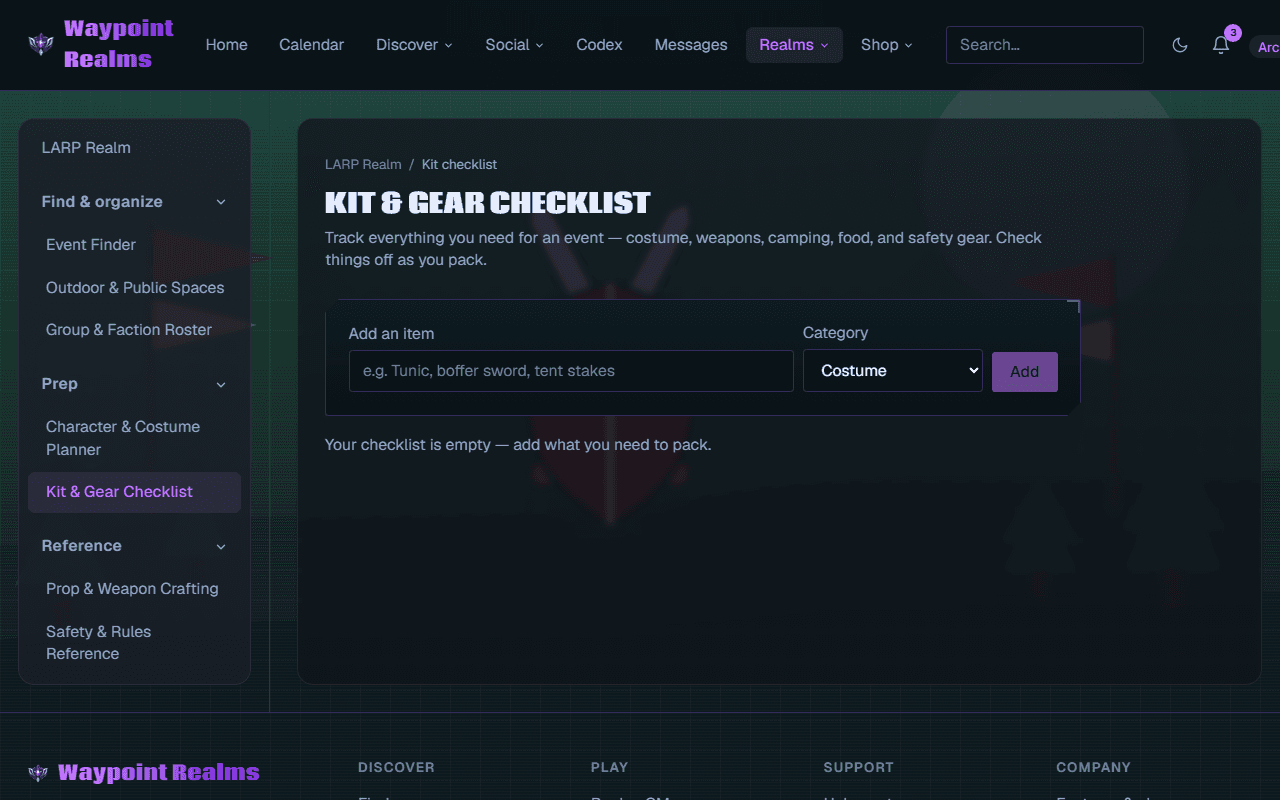
In the LARP Realm's rail, under Prep, choose Kit & Gear Checklist — or press Pack the kit on the Realm's home page.Add an item
Type it in Add an item (for example Tunic, boffer sword, tent stakes), choose a Category — Costume, Weapons, Camping, Food & water, Safety or Other — and press Add.Keep going
Add everything, including the out-of-character things: spare socks, a phone battery, painkillers, a light.
Check it worked
Each category gets its own column with a count such as 0/4.
Pack
Tick as you pack
Tick each item's box as it goes in the bag.Watch the count
The Packing for card shows the next LARP session near you, how long until it starts, and how much is packed — for example 12 / 18.After the event
Press Reset for next event and confirm to unpack everything, ready for next time.
Check it worked
The Realm's home page shows Pack the kit · 12/18 too.
If something's off
- The Packing for card shows an event I'm not going to
- It shows the next LARP session near you, whether or not you've RSVPed. Your list is the same either way.
- I want to rename an item or move it to another category
- Press Remove and add it again.
- I need separate lists for different events
- There's one list per member. Keep it to what you always bring, and reset it after each event.
Was this helpful?