
Saved searches and alerts
Stop checking. Save a search and be told when a game that fits turns up near you.
Most local scenes are thin enough that the game you want is not on today — it is on in three weeks, posted by someone you have never met. A saved search turns that from a habit of checking into a notification.
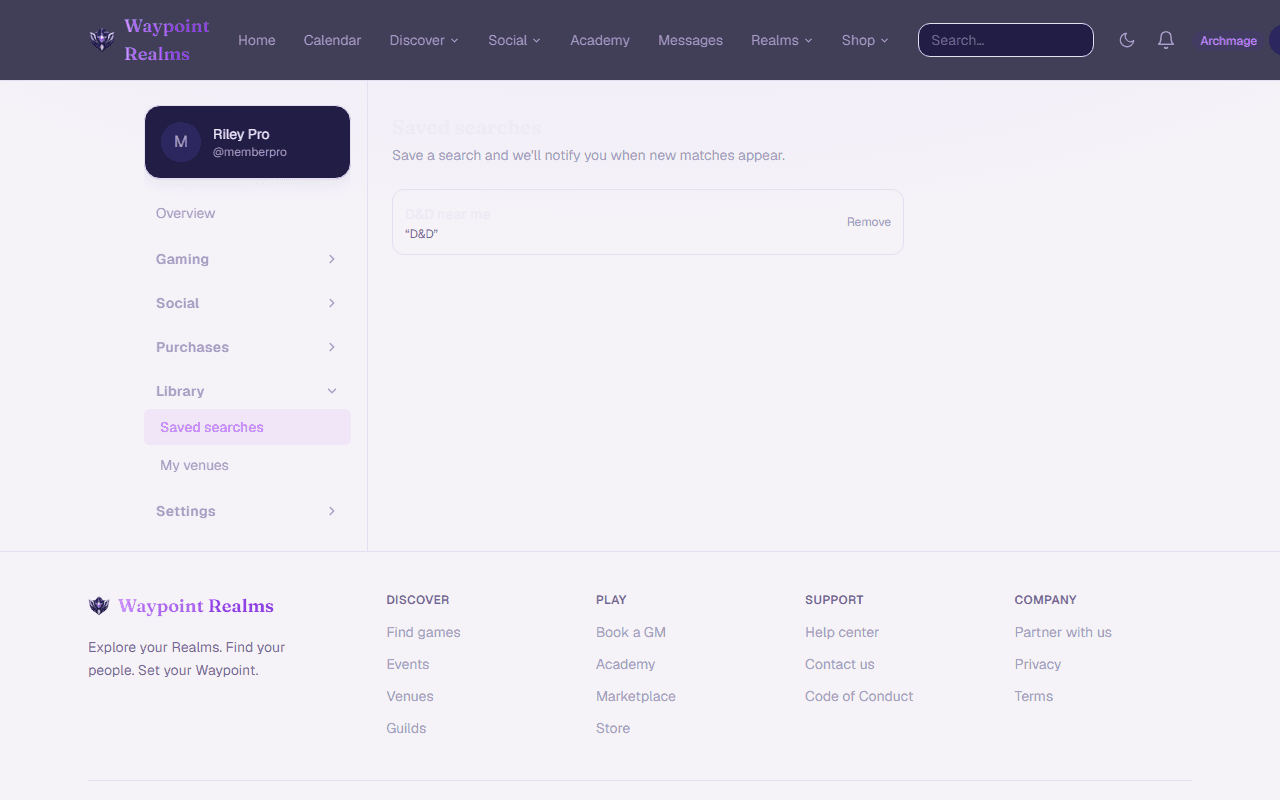
Saving one
Search the way you normally would
On Discover, set the filters you care about — activity, distance, day, whether it suits new players.Save it
Save this search keeps the filters, not the results, and asks you to name it. “Board games, weeknights, near me” beats “search 1” when you have four of them.Let it run
New sessions that match are collected and sent to you. Nothing fires the instant somebody posts — you get told, not pinged.
Managing them
Saved searches lists everything you have saved. Run one to see current matches, turn alerts off without deleting it, or remove it.
Alerts near you, or for a whole state
Separately from saved searches, you can opt into alerts for a game type, either near you (within 5 to 100 miles of a spot you set) or anywhere in a state you follow. That is useful for LARP and other activities that run rarely enough that a saved search would sit silent for months. Set them under Notifications.
For alerts near you, your browser shares your location once. We keep it rounded to about a kilometre, use it only to match new sessions, and delete it when you stop those alerts. Members under 18 can use state alerts only.
Both kinds of alert respect your notification settings, so turning off email turns off email everywhere.
What we do not do
- We do not share what you searched for with hosts. A host sees that people are looking in their area, never who.
- We do not use your saved searches to advertise to you.
Was this helpful?