
For MembersUpdated Jun 18, 20261 min read
Connections & the player directory
Find players in the directory, send connection requests, and build your network.
On this page
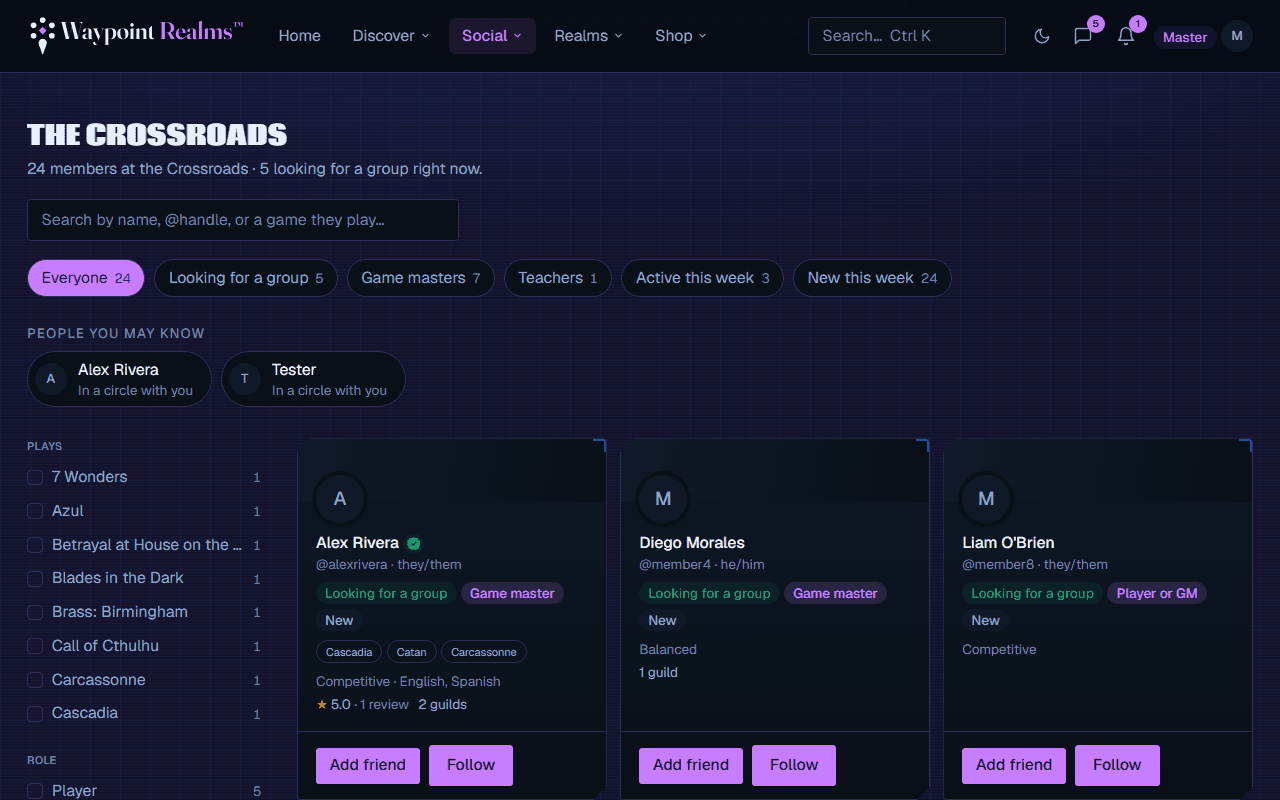
The Crossroads is where you discover other members — by name, the games on their shelf, or whether they're looking for a group. Connecting makes it easier to message, invite, and play together.
Making a connection
Find someone
Browse the Crossroads or open a profile from a session or circle.Send a request
Choose Connect. They'll get a notification and can accept or decline.Manage requests
Review incoming and outgoing requests under your connections.
What connections unlock
- Easier messaging — your connections are who you talk to most.
- A friendlier directory — see who you already know.
- Invites — connections are the people you'll add to group chats, circles, and campaigns.
Was this helpful?